
Changing Properties and Reassigning Mesh Operations
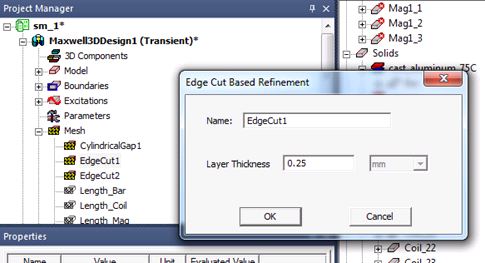
To alter the mesh settings, find the entry under Mesh in the Project Manager tree. Double-click to bring up the dialog box. Change the layer thickness or number of layers as necessary.
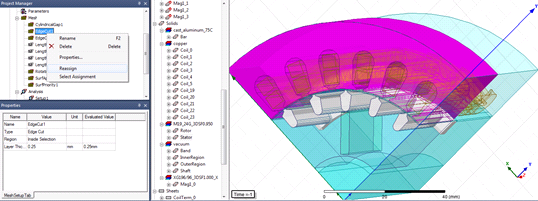
To reassign which bodies the mesh operations are applied to, first select all the bodies you would like to assign the bodies to. Then right-click the mesh operation in the Project Manager and select Reassign. The mesh operation will now be reassigned to the selected objects.
Related Topics
Edge Cut Layer Mesh Generation
Rotational Layer Mesh Generation