
Seed Mesh by Region
To constrain a mesh seeding operation to a geometric region:
- In the design, draw a rectangle, circle, or polygon on a user layer.
- Add a solution setup to the design.
- From the Project Manager, right-click the solution setup and select Assign Mesh Operation.
- Select any of the On Selection or Inside Selection options to open the Select Geometry window.
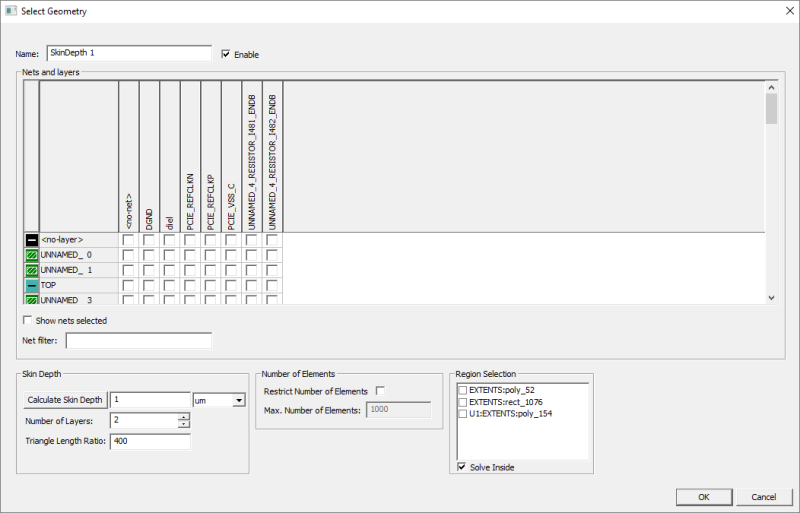
- Use the Region Selection area to select the appropriate geometry in the design. Check the Solve Inside box to solve inside the mesh region.
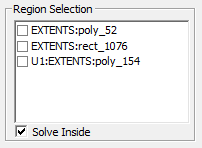 Note: Select one region per mesh operation.
 - Click OK.
- Run the simulation.
- Create a mesh plot.
The effect of the seeding operation can be seen in the mesh plot.
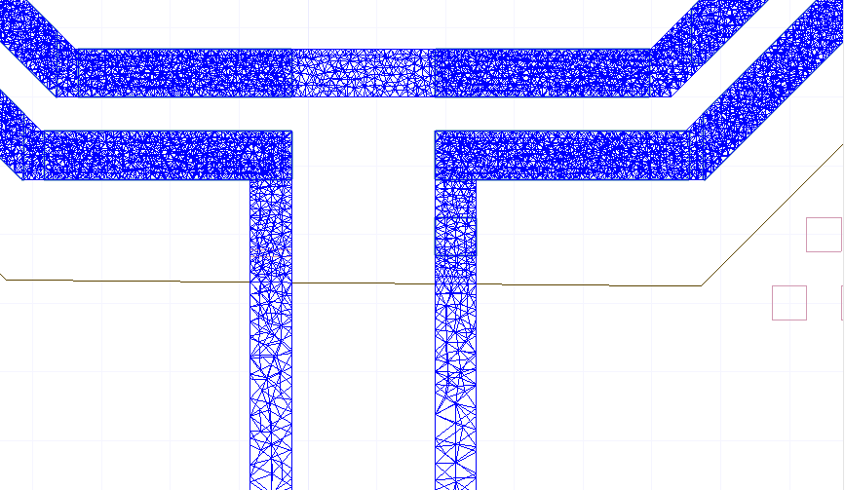
The procedure is complete.