Working With TSV Layers
TSV (Through Silicon Via) layers are vias that can pass through semi-conductor layers, such as silicon. TSV layers require oxide layers along the via barrel to prevent any electrical contact between the barrel and the semi-conductor layers through which they pass.
Once a via layer is created (refer to Via Layers), add, remove, or configure oxide layers by following these steps.
-
Open the Edit Layers window, by performing one of these steps on the Layout Editor:
-
From the Layout tab, select the "Layers" icon.
-
From the Layout/Footprint menu, select Layers .
-
Right-click in the Layout Editor and select Edit Layers.
-
-
From the Edit Layers window, make the TSV area under the Grid Control Table by selecting a via layer.
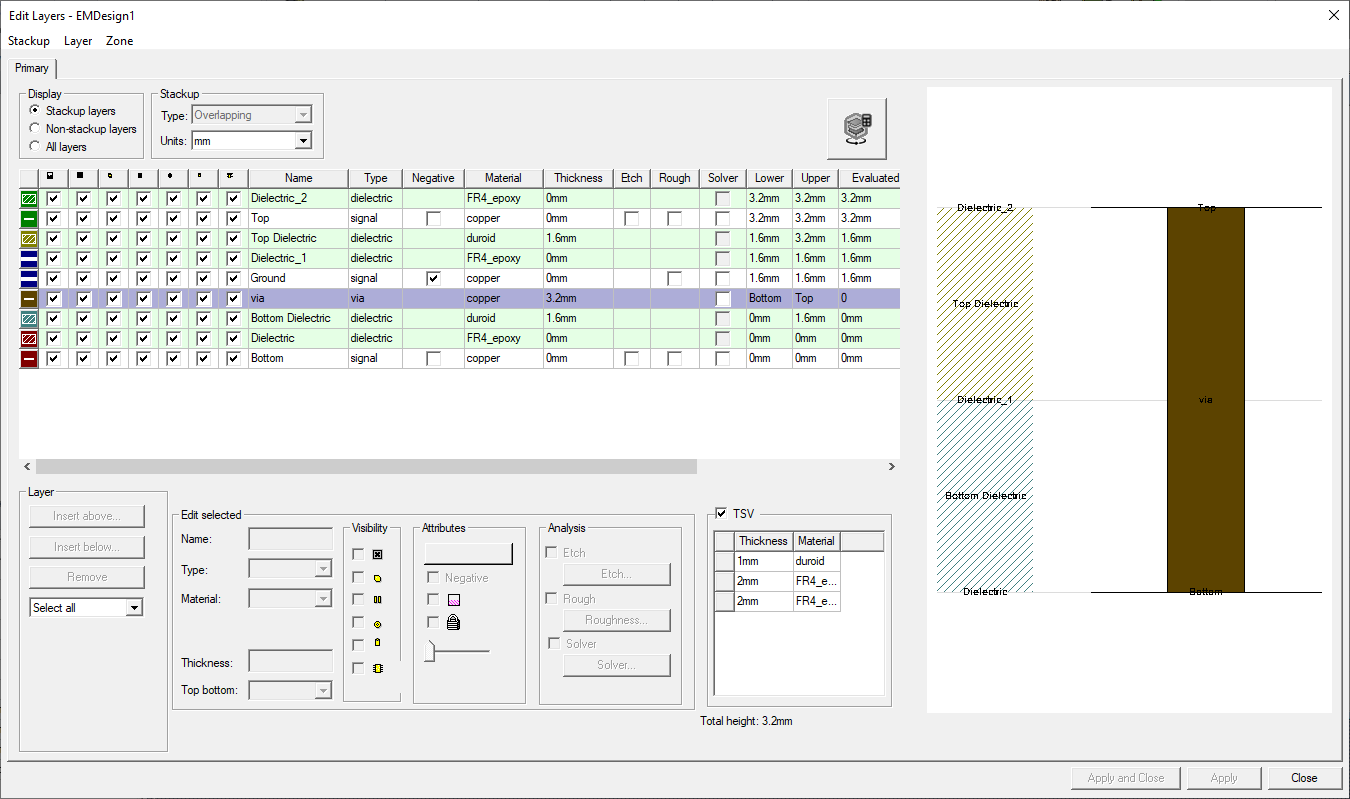
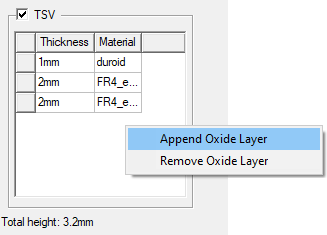
- Right-click in the TSV area and select Append Oxide Layer (to add an oxide layer) or right-click the box adjacent to a layer and select Remove Oxide Layer, as appropriate.
- Click in a Thickness field to adjust the width of an oxide layer, or select a different material makeup for the oxide layer on the adjacent drop-down menus, as appropriate.
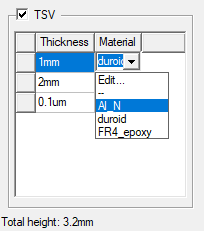
Make further modifications to the oxide layer materials by selecting Edit on the drop-down menu, to open the Select Definition window. Refer to Assigning Materials.
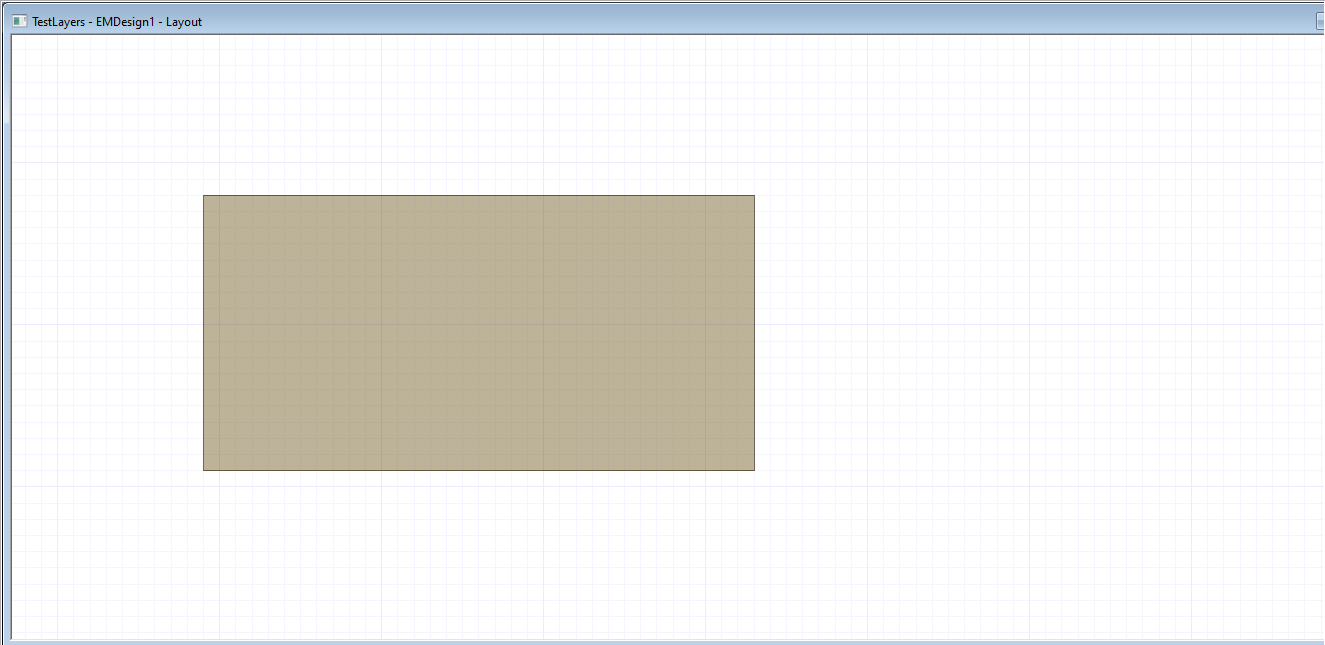
The procedure is complete. Refer to the following screenshots to see how oxide layers are depicted in the Layout Editor.
Active Design With Oxide Layers
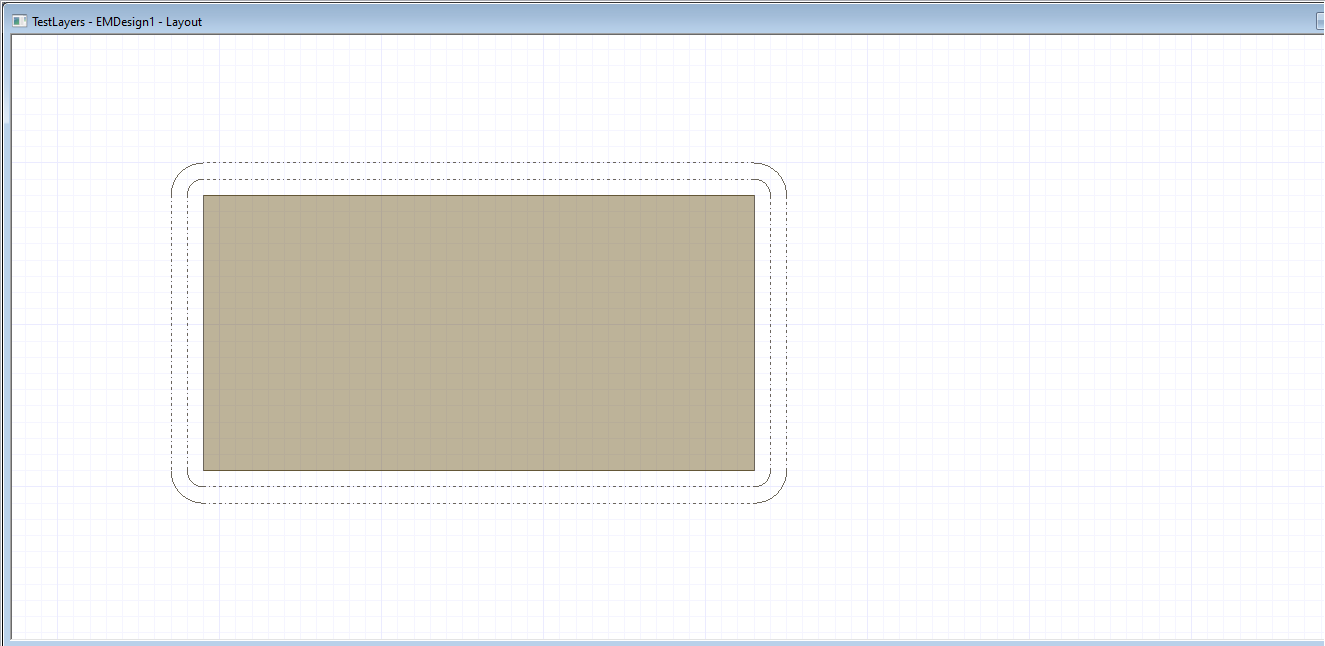
Active Design Without Oxide Layers