Primitive Snapping in IC Mode
Sometimes primitives are misaligned by a small amount which can increase mesh complexity. Snapping primitives aligns these objects.
Complete steps in the following subsections to configure Primitive Snapping, then snap primitives in several ways.
Configuring Primitive Snapping Settings
- From the Layout ribbon, click Settings.
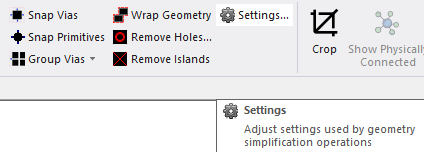
The Geometry Simplification Settings window opens.
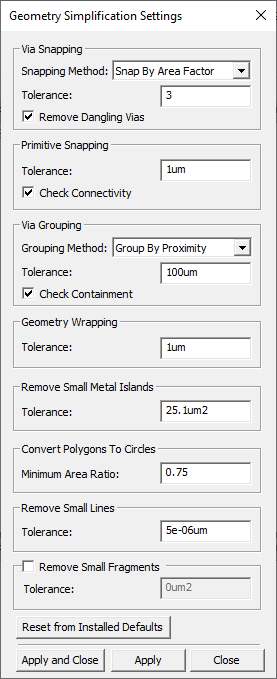
- From the Primitive Snapping area, do the following:
Enter a value in the Tolerance field, including the unit of measurement (e.g., 1um, although the default value is 0.05um).
- Check the Check Connectivity box to ensure snapping does not violate the connectivity of the original objects (checked by default).
- Click Apply and Close.
Snapping Primitives in the Layout Editor
- If appropriate, navigate to the Layout Editor tab and the chosen components.
-
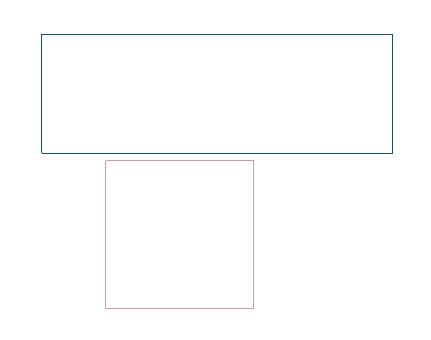
Select the chosen primitives.
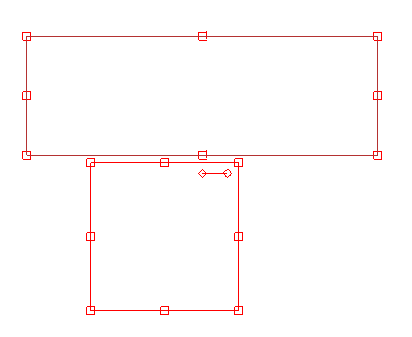
-
From the Layout ribbon, click Snap Primitives.
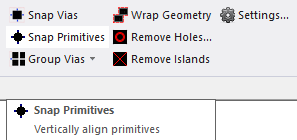
The selected primitives are compared to the value in the Tolerance field. Any primitives at or within the selected Tolerance are snapped (i.e., aligned).
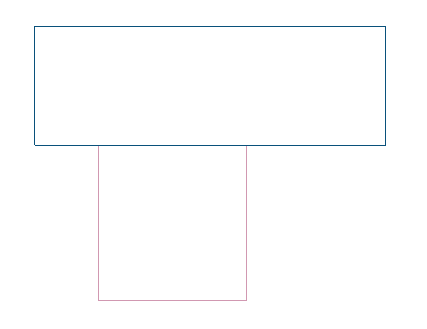
Snapping Primitives on a Specific Layer
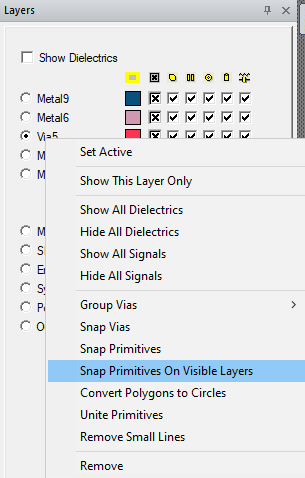
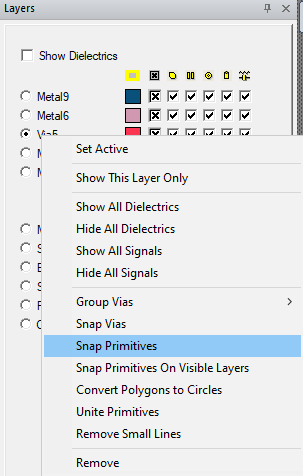
From the Layers window, right-click on a layer in the list (e.g., Via5) and select Snap Primitives.
Snapping Primitives On Visible Layers
From the Layers window, right-click on a layer in the list (e.g., Via5) and select Snap Primitives On Visible Layers.