Geometry Wrapping in IC Mode
The Wrap Geometry feature greatly reduces mesh complexity by replacing groups of primitives with an equivalent wrapping polygon. Selected primitives of or within the user-specified Tolerance distance can be wrapped by completing these steps.
- From the Layout ribbon, click Settings.
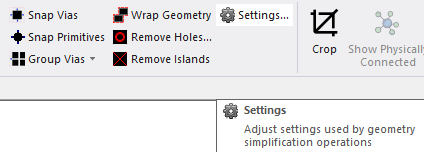
The Geometry Simplification Settings window opens.
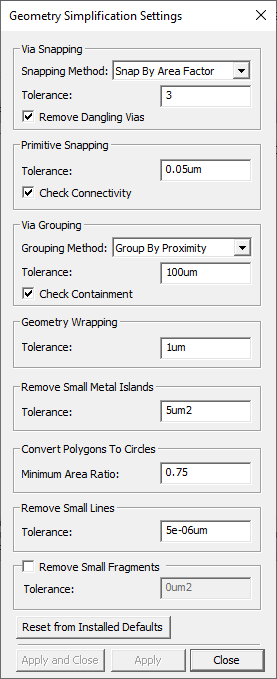
- From the Geometry Wrapping area, enter a value in the Tolerance field (e.g., 1um).
- Click Apply and Close.
- If appropriate, navigate to the Layout Editor tab and the chosen design geometry.
-
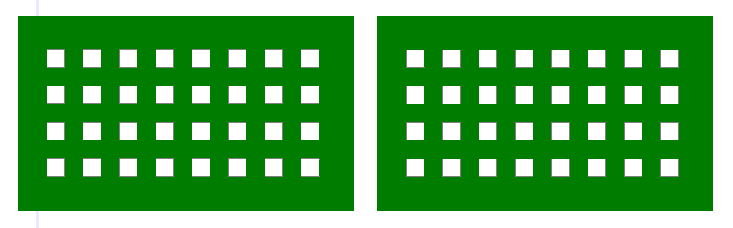
From the Layout Editor, select the chosen geometry.
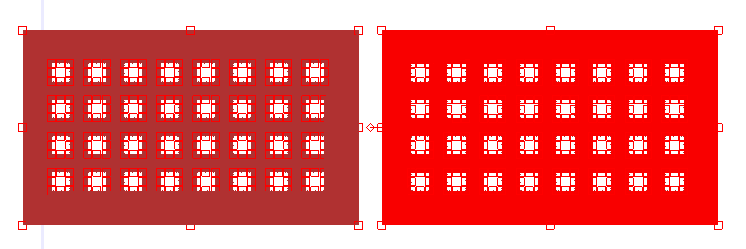
- From the Layout ribbon, click Wrap Geometry.
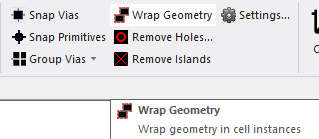
The selected geometry is compared to the value in the Tolerance field. Every element that meets or falls within the value is wrapped