
Plotting DC IR Field Overlays
After computing a DC IR Solution, view field plot overlays.
Complete these steps to view DC IR field overlays.
- From the Project Manager window, expand the Project Tree and right-click Field Overlays. Then select Plot DC Fields.
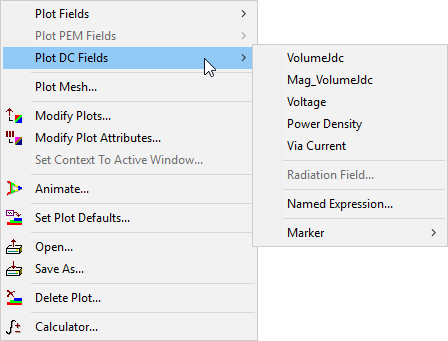
- Select the overlay type you want to view.
Menu options include the following:
- VolumeJdc – overlays the DC current density vector (in Amps/meter2).
- Mag_VolumeJdc – overlays the Magnitude of VolumeJdc.
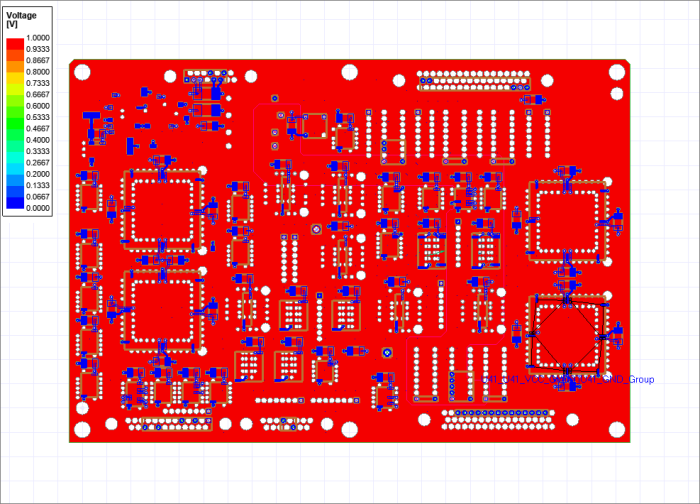
- Voltage – overlays voltage.
- Power Density – overlays power density.
- Via Current – overlays current direction on vias.
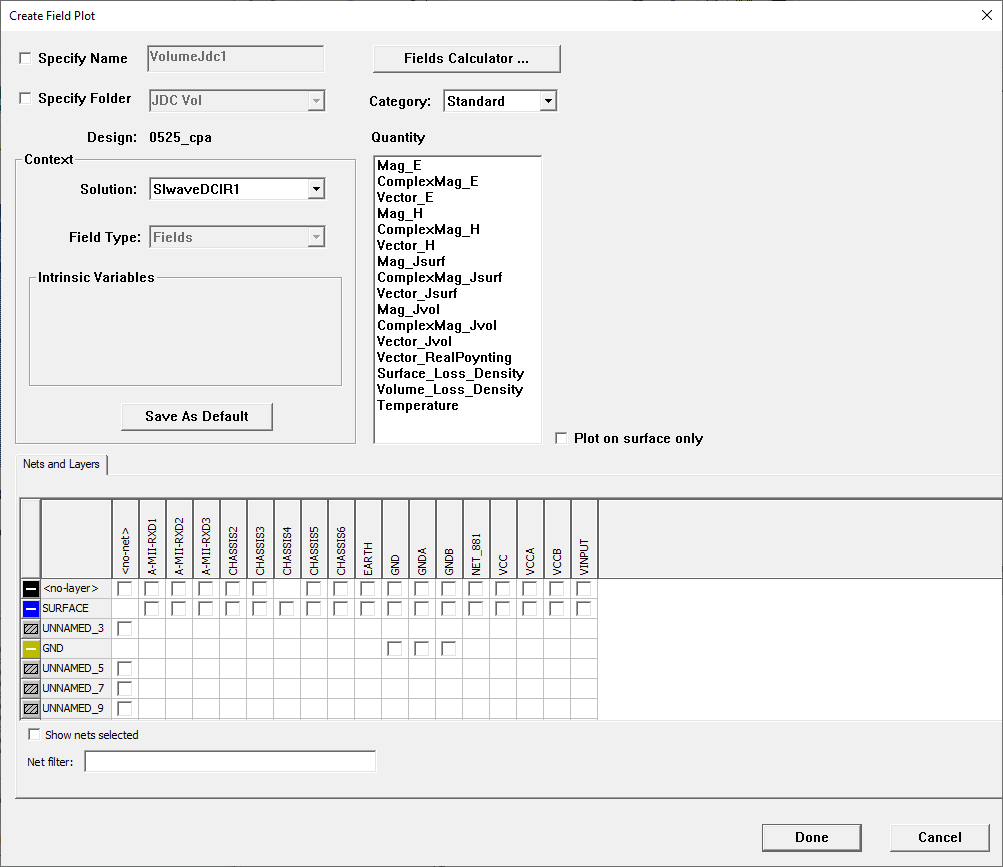
- Specify details or use the Fields Calculator, as appropriate.
- Click Done and the selected field plot overlay appears in the Layout Editor.
For more general information, see Plotting Field Overlays.