
Copying and Pasting in IC Mode
Design elements can be copied and pasted in IC mode, just like in General Mode. Complete these steps to copy and paste in IC Mode.
-
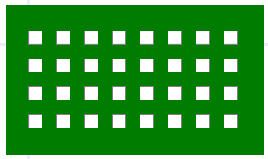
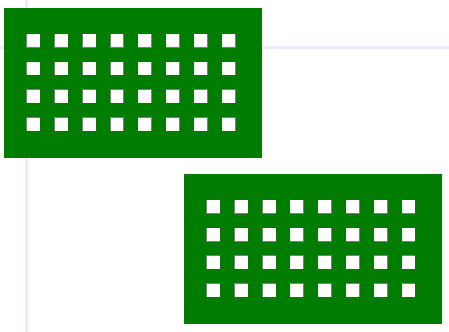
From the Layout Editor, select the chosen element(s) and press Ctrl+C.
-
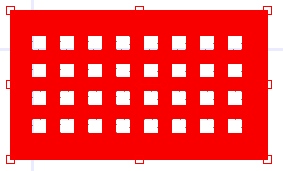
Press Ctrl+V to create a copy of the element. The copy is temporarily locked to the cursor.
-
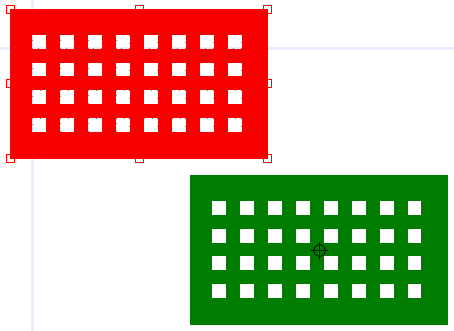
Choose an area in the Layout Editor to place the copy. Click to set the copy down.
-
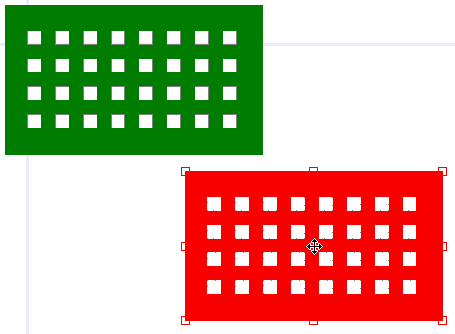
Click anywhere else in the Layout Editor to deselect the copy.
For other instructions on the usage of the Layout Editor, keyboard commands, and simple tasks like copying and pasting, refer to Getting Started with Ansys Electronics Desktop.