


Creating a Project Space
Tenant administrators can create project spaces for users to access. Each project space is scoped to a specific Azure region.
To create a project space:
On the Ansys Access on Microsoft Azure home page, select .
Specify the project space settings:
Name your project space. This should be a meaningful name that will help users quickly find the project space and determine if it is suitable for their needs. For example, the name might indicate the intended purpose of the project space, key information about the types of resources it contains, or the intended user base.
Choose a region. The Azure region in which resources will be deployed.
Tags. If required tags are displayed, specify their values. For example:

Tag availability depends on whether Project space tags have been defined on the Administration > Tags page. For more information see Tags.
Click Create project space. The project space is created and is ready to be configured. For example:
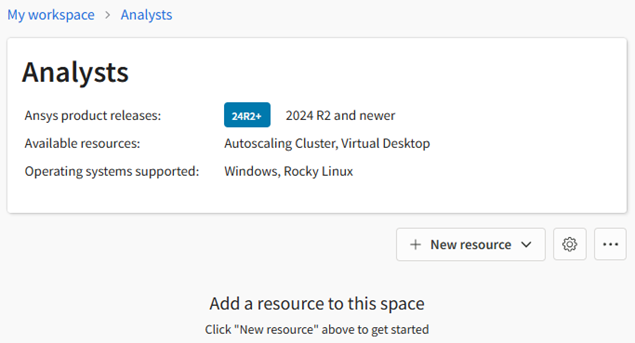
Next steps:
Assign 'Admin' permission to a selected user to make them the Project Space Administrator. See User Permissions.
You or the Project Space Administrator can add resources such as virtual desktops to the project space. See Creating a Virtual Desktop.