Assigning Perfect H Boundaries
A perfect H boundary represents a surface on which the tangential component of the H-field is the same on both sides. For internal surfaces, this results in a natural boundary through which the field propagates. For surfaces on the outer surface of the model, this results in a boundary that simulates a perfect magnetic conductor in which the tangential component of the H-field is zero.
To Assign a Perfect H Boundary:
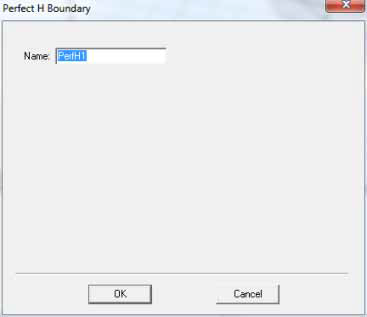
- Select a surface on which to assign the boundary and click HFSS>Boundaries>Assign>Pefect H to bring up the Perfect H Boundary dialog box.
- No parameters need be set..