
Assigning Current Sources
Assign a current source when you want to define the direction of the current flow through a surface. A current source is used when the feed structure is very small compared to the wavelength and the electric current on the surface is assumed to be constant across the feed points.
Note:
For more information, see Current Sources in Technical Notes.
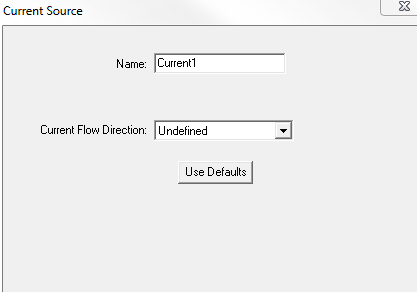
- Select the object face to which you want
to assign the current source and click HFSS>Excitations>Assign>Current
to display the Current Source
dialog box.
- Specify the current flow direction by
drawing a vector:
When the source is selected, an arrow indicates the direction and a letter i indicates the type of source.
- For Transient Solution types., you also designate sources as Active and Passive.
Port sources are created and solved with unit magnitude and 0 degree phase. They can be scaled within the Edit Sources dialog.