


There may be several projects that are active at any given time. If you have a project that requires prompt evaluation, you can give it a higher priority over other active projects. Projects with a higher priority will be picked up by evaluators before projects with a lower priority.
To change a project's priority:
Open the project.
In the path at the top of the page, click the project name.
In the project details view, select the Properties tab.
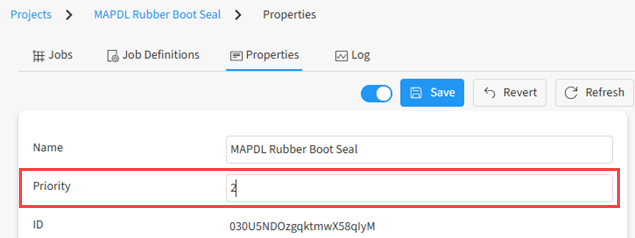
Edit the Priority value:
Click .