


If a job is pending but you do not want a job to be picked up by evaluators, you can change its status to inactive.
Go to the Projects page and open the project.
If the job that is displayed is the one that you want to make inactive, click the status drop-down on the toolbar and select .
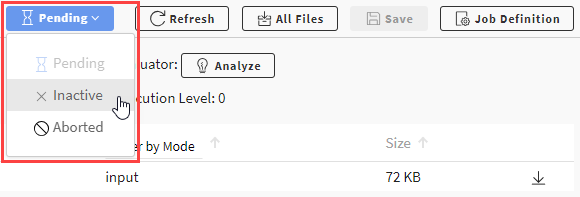
If the job that is displayed is not the one that you want to make inactive:
In the navigation path at the top of the page, select Jobs.
Enable the check box of the job that you want to make inactive.
Click the Status drop-down and select .
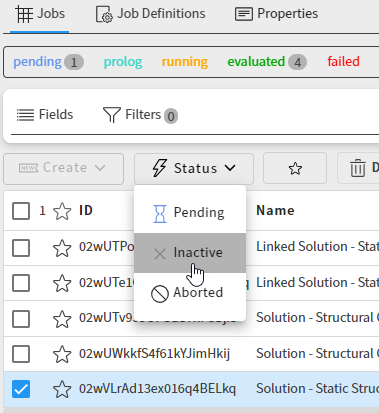
If you later decide that you want to run the job, you can stage it for evaluation.