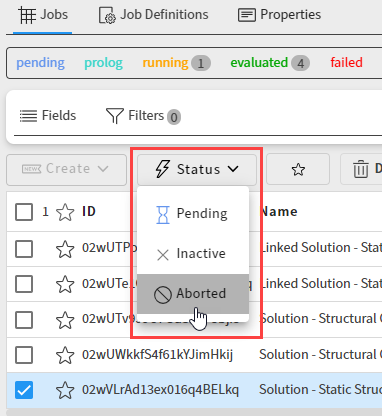
You can abort an actively running job by changing its status to aborted. When a job is aborted, the task evaluation stops and any output files generated up to that point are collected.
Go to the Projects page and open the project.
If the job that is displayed is the one that you want to abort, click the status drop-down on the toolbar and select .
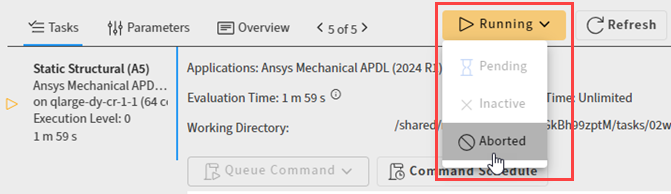
If the job that is displayed is not the one that you want to abort:
In the navigation path at the top of the page, select Jobs.
Enable the check box of the job that you want to abort.
Click the Status drop-down and select .