


When you duplicate an existing job definition in a project, a new job definition is created that you can then modify to suit your needs.
Go to the Projects page and open the project.
In the navigation path at the top of the page, select Jobs.
On the Jobs page, select the Job Definitions tab.
Enable the check box of the job definition that you want to duplicate.
On the toolbar, click . A copy of the job definition is created in the table. It has the same name as the original job definition but has - copy appended to the name.
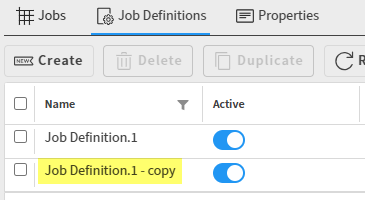
Click the new job definition to open it.
Edit the job definition as described in Editing a Job Definition.
Click .