


In some cases, if you select user-defined as an option in a graphics dialog box but have not previously interpreted or compiled/loaded a UDF, you will get an error message.
In other graphics dialog boxes, the user-defined option will become visible as an option for a parameter only after you have interpreted or compiled the UDF. After you have interpreted or compiled the UDF, you can then select user-defined option and the list of interpreted and compiled/loaded UDFs will be displayed.
If you inadvertently hook a UDF to the wrong parameter in an Ansys Fluent graphics dialog box (for example, profile UDF for a material property), you will either get a real-time error message, or when you go to initialize or iterate the solution, Ansys Fluent will report an error in the dialog box (Figure 6.126: The Error Dialog).
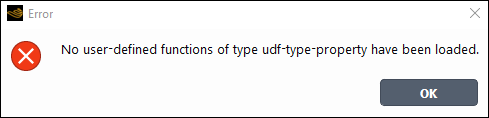
A message will also be reported to the console (and log file):
 Error: No user-defined functions of type udf-type-property have been loaded.
Error Object: #f