


Measuring Distance Between Two Points
This chapter shows how to measure the distance between two points on a track with the Distance Picker.
To Measure the Distance Between Two Points:
-
Click Pick
 .
.
The Pick button
 tells you to pick
the A point.
tells you to pick
the A point. 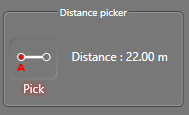
-
In the 3D view, pick the A point.
When you picked the A point, the Pick button
 tells you to pick the B point.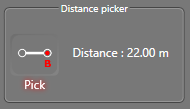
The distance is measured between the two selected points and it appears in the Distance picker.