The Coupled Field Harmonic system determines the steady-state response of a structure and the surrounding fluid medium to loads and excitations that vary sinusoidally (harmonically) with time. The system supports 2D coupled, structural acoustic, and structural electric physics.
This system is configured in Ansys Mechanical, using the Mechanical APDL solver to compute the solution.
To work through a Coupled Field Harmonic system:
To add a Coupled Field Harmonic analysis system, drag the system from the Toolbox to the Project Schematic or double-click the system in the Toolbox.
Once the analysis type is selected, the following prompt displays.
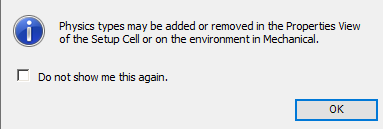
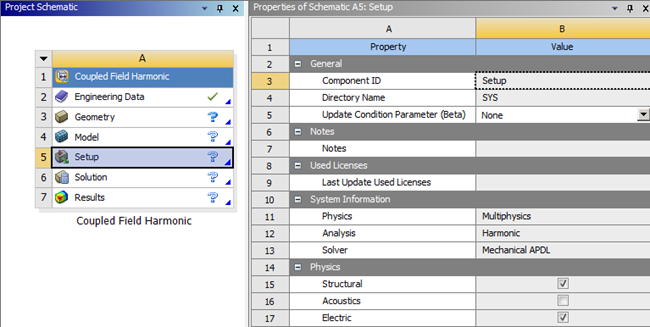
This prompt informs you that you can automatically create a Physics Region (object) in the downstream Mechanical system by selecting physics types in the Setup cell properties. Both the Structural and Electric properties, as illustrated below, are read-only properties that are always active. The Acoustics property is also read-only and is off by default.
To ensure the prompt is not displayed again, select the Do not show me this again check box.
To close the prompt, click .
To load the geometry, right-click the Geometry cell and select from the context menu.
To import the model, double-click the Setup cell or right-click the Setup cell and select from the context menu.
In the Mechanical application window, complete your analysis using the application's tools and features.
To link one Coupled Field Harmonic analysis with another one:
Drag a second Coupled Field Harmonic system from the Toolbox to the Project Schematic or double-click the system in the Toolbox.
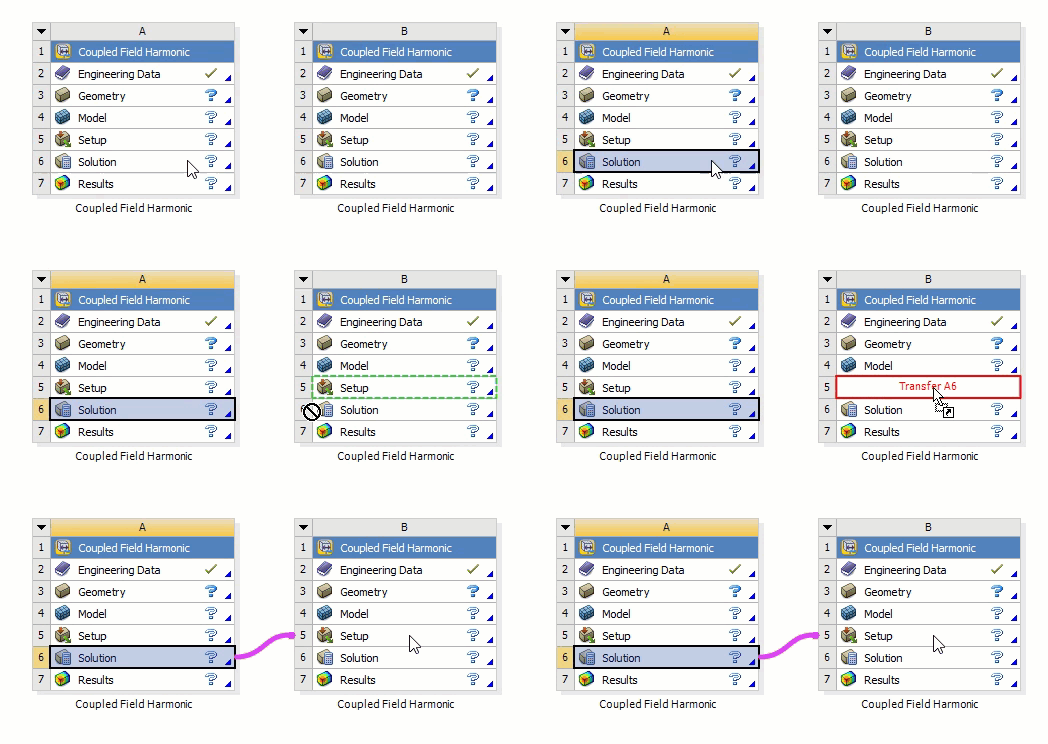
Drag the Solution cell of the first system to the Setup cell of the second system.
The following Show-Me animation is presented as an animated GIF in the online help. If you are reading the PDF version of the help and want to see the animated GIF, access this section in the online help. The interface shown may differ slightly from that in your installed product.