


Using Box-select
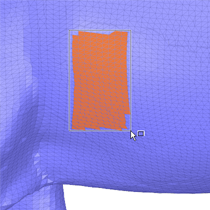
If you want to work with rectangular patches, use box-select instead of sketching them freehand. With the Select Boundary tool guide active, simply box-select the area where you want the sketch.
|
Box-select facets.
|
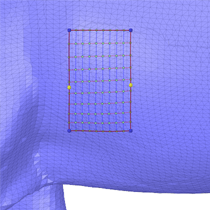
Sketch is made from the box-selection
|
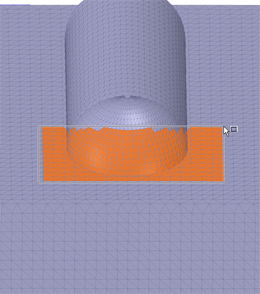
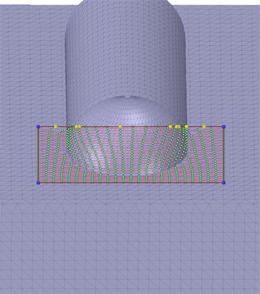
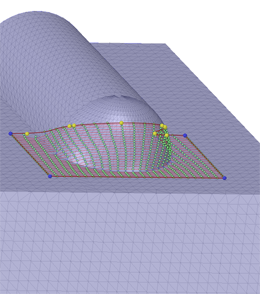
Notice that control points are automatically added in areas with curvature. This can be seen more dramatically in the images below.
|
Box-select across a curved area.
|
Control points are auto-created.
|
Change view to see the curvature.
|