


When you submit a job to RSM from Workbench, you select an RSM queue for the job. Each RSM queue is associated with a configuration defined in RSM, and each RSM configuration has user accounts associated with it.
When an RSM queue is selected in the Workbench, RSM pre-validates the account credentials associated with that queue. If credentials have not yet been cached for the RSM queue in RSM, or the cached password does not validate because your OS password has changed or expired, you will be prompted to specify credentials for that queue:
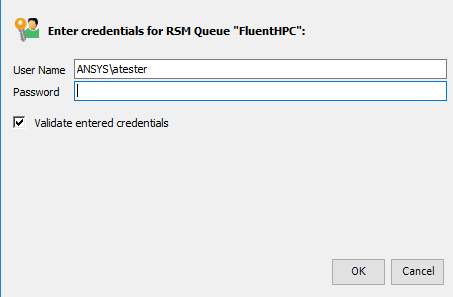
If the credentials validate, the job will be submitted to the HPC resource. If the credentials do not validate, the job will be aborted.
Proceed to the sections that follow to learn how to send your job to an HPC resource.