FEM > Element Tools > Identify.
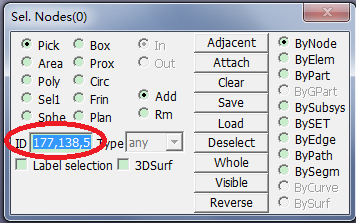
Enter Key in ID =
177,138,50,168.Press Enter on the keyboard.
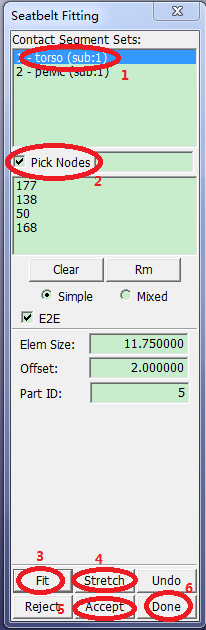
Application > Seatbelt Fitting .
Select 1 - torso from the Contact segment set list.
Activate Pick Nodes.
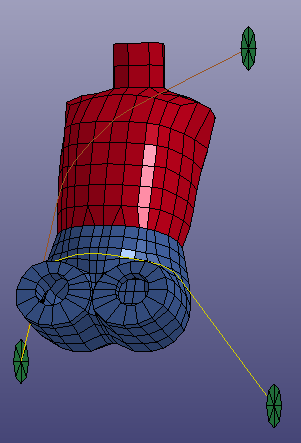
Pick nodes 177, 138, 50, 168 in the graphics window (in that order).
Click .
Click .
Click .
Click .
File > Save Keyword.
Enter Filename:
simple_belts.k.Click .