Select Project at the top of the BlockM Interface.
Select Line.
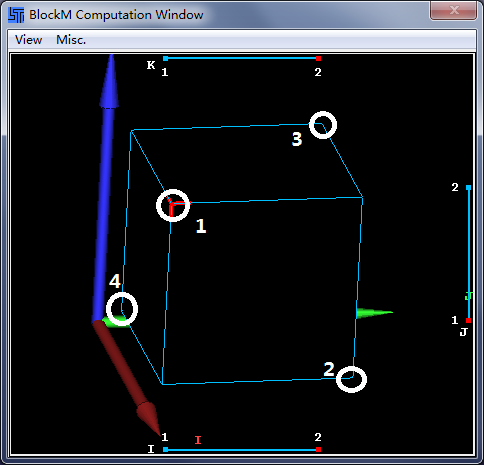
Select node1 in the BlockM Computation window.
Click the red node of line I.
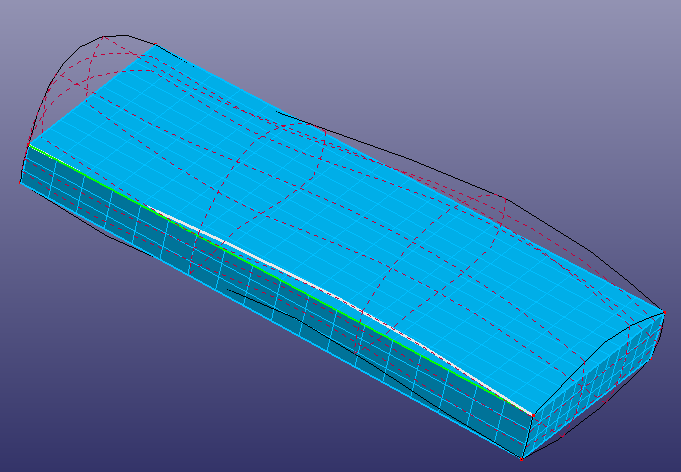
Then, a line will be highlighted in the graphics viewport. Click the corresponding edge in the graphics viewport.
Click .
Select node1 again.
Click the red node of line J.
Then, click the corresponding edge in the graphics viewport.
Click .
Select node1.
Click the red node of line K.
Click the corresponding edge.
Click .
Select node2, node3, node4 respectively. Do edges projection reference to the above steps.