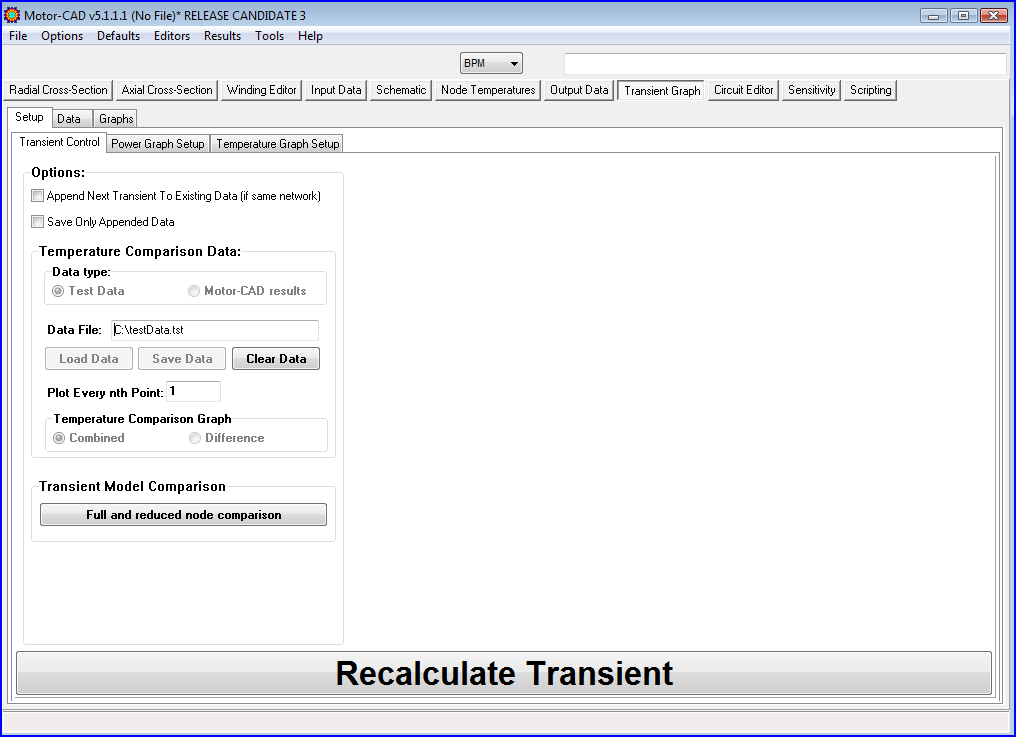
Transient Test Temperature Data Selection
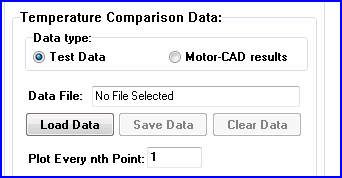
This option is used to select the file in which transient data exists that is to be plotted on the calculated transient graphs, i.e. the Combined Temperature Graph as shown below:
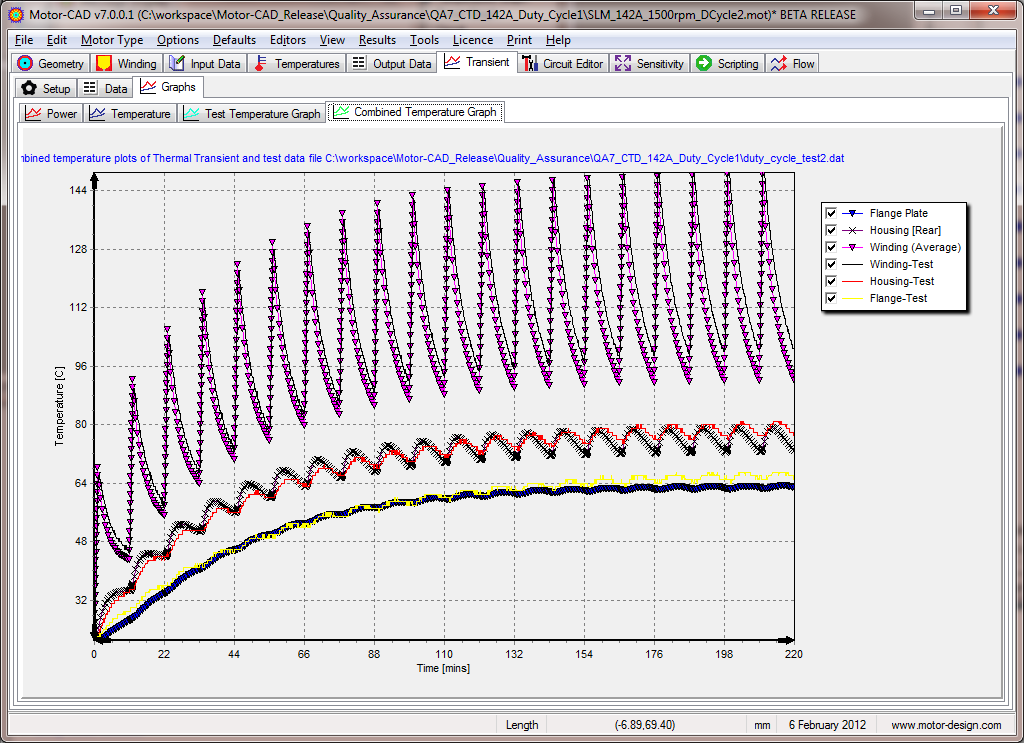
The test data alone can also be plotted using the Test Temperature Graph
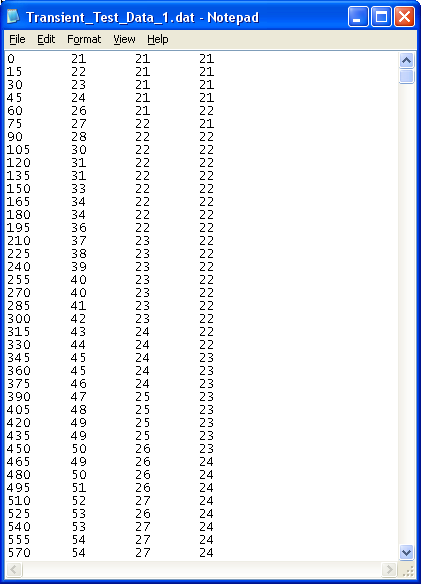
The file format is as shown below, i.e. 1st time column(seconds) followed by temperature columns:
This data is put in the grid - Test Temperature Data where it can be viewed and labels, colours, symbols, etc edited.
If the test data is very large then the user can opt to import every nth point.
Updated Test Data Format
In v4 a new file format has been added to allow the user to save the test data and the plot settings for external test data.
The user can load external test data in either the .dat format with no plot settings or in the .tst format which includes plot settings as shown below.
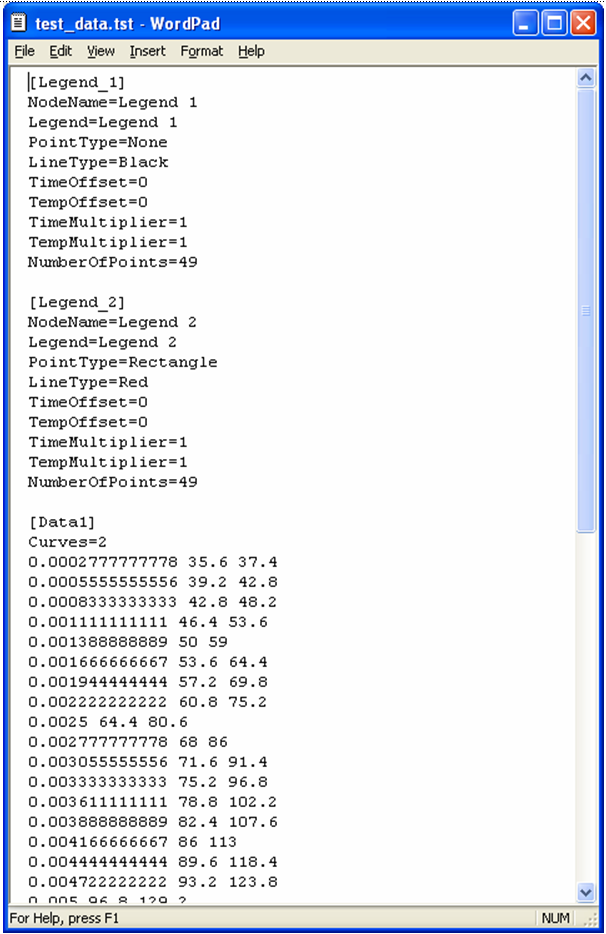
The .tst file can be generated from a .dat file in Motor-CAD by loading the .dat file and then saving it as a .tst file.