


Choosing a data view
Data views define which database, record properties, and application features are visible in MI Explore, providing you with a focused view of relevant data.
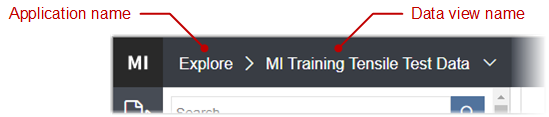
The name of the current data view is displayed in the window header:
To switch to a different data view:
Click and then choose the data view.
Note: Your Administrator might have configured MI Explore to show only certain data views,
or to not permit you to select or customize data views.