Exercise 1: Sandwich Panel Model
Hybrid materials and structures combine the benefits of two or more materials to produce new materials that exhibit unique combinations of properties.
For example, both composite materials and sandwich panels are commonly used to create strong, lightweight structures.
-
Use the Sandwich Panels model to create synthesized records for a family
of hybrid materials
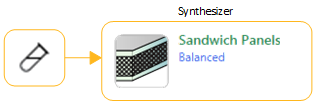
Click Synthesizer on the toolbar (or click on the menu bar).
Select the Sandwich Panels – Balanced model.
-
Plot an Index line corresponding to a lightweight, stiff
panel in bending Ef1/3/ρ
Click
 Index line, enter a slope value
of 3, and Maximize the index.
Index line, enter a slope value
of 3, and Maximize the index. -
Add labels to the source records and some of the synthesized records
You can select individual records on the chart and drag to place a label.
You can also add labels from the Results list: select one or more records in the list, right-click and select Label on the shortcut menu, then drag the labels where you want them on the chart.
Click
 Highlight synthesized records records to
help you identify the records on the chart.
Highlight synthesized records records to
help you identify the records on the chart. Use the Zoom controls
 and
and  to zoom in to the area of interest on the chart.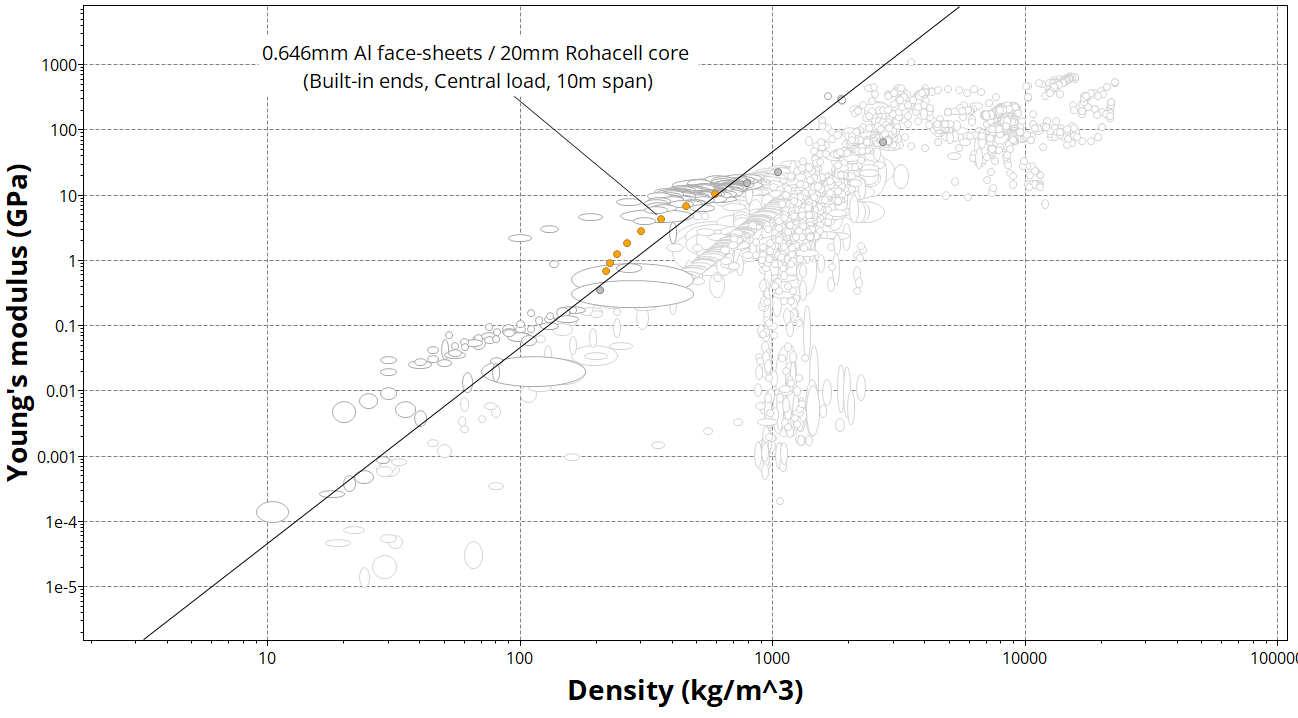
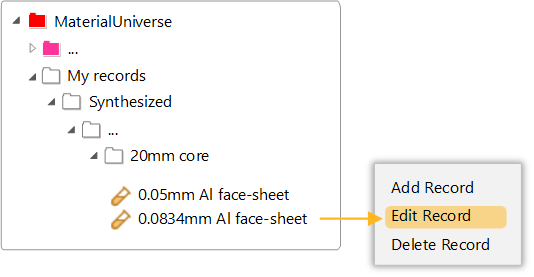
Synthesized records appear on the Browse tree under My Records. They can be edited or deleted in a similar way to User-defined records, by right-clicking and selecting Edit Record or Delete Record.