


Configuring Elasticsearch to run as a Windows service
By default, Elasticsearch runs on the command line. You can install it as a Windows service that runs in the background and starts automatically at boot time without user interaction.
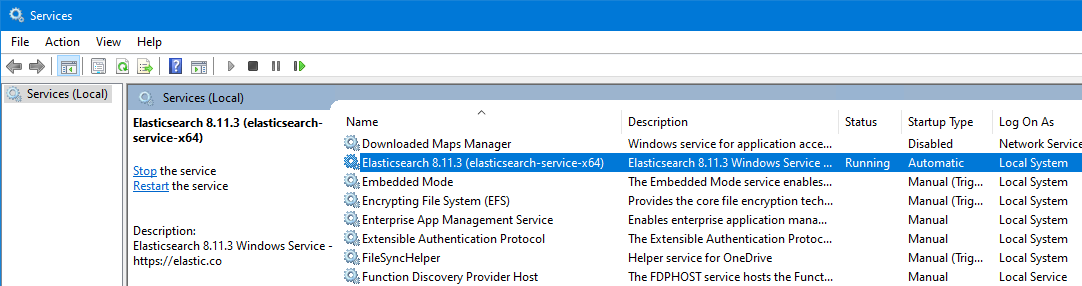
By default, Elasticsearch runs on the command line. You can install it as a Windows service that runs in the background and starts automatically at boot time without user interaction.