Viewing datasheets
A record datasheet contains information and data for a selected record. Folder-level records contain an overview of a material class.
You can view a datasheet by double-clicking the record in the Browse tree or Results list, or by selecting a record and clicking . Click here to see an example datasheet.
You can view a folder-level record by double-clicking the folder icon  in the Browse tree.
Viewing the record path
You can view a record path at the top of each datasheet. The Record path shows the record's position in the table tree hierarchy. For example:

The record path text is included when Searching a database. If the search term is found in the record path, it will be highlighted. For example, a search for "maraging steel" will return:

Changing the layout of a datasheet
You can change the layout of a datasheet. At the top of the Datasheet window, select a Layout from the list. This determines the headings and data that are visible on the datasheet.
Viewing the notes for an attribute
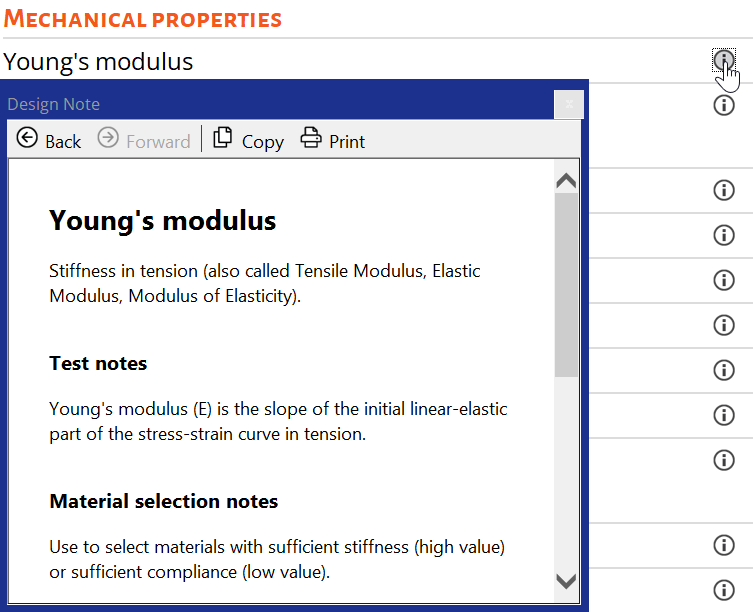
You can view the notes for an attribute in the
Datasheet window. Click an attribute name, or click the  Design Notes button. A new window opens with
information about this attribute, such as its definition, measurement, and
underlying science.
Design Notes button. A new window opens with
information about this attribute, such as its definition, measurement, and
underlying science.