


Borrowing a license to work offline
If you need to work offline, or otherwise reserve Granta Selector or a specific Advanced Data bundle for a specific time period, you can borrow licenses in advance and for a set time period using the Ansys Licensing Client Settings Utility.
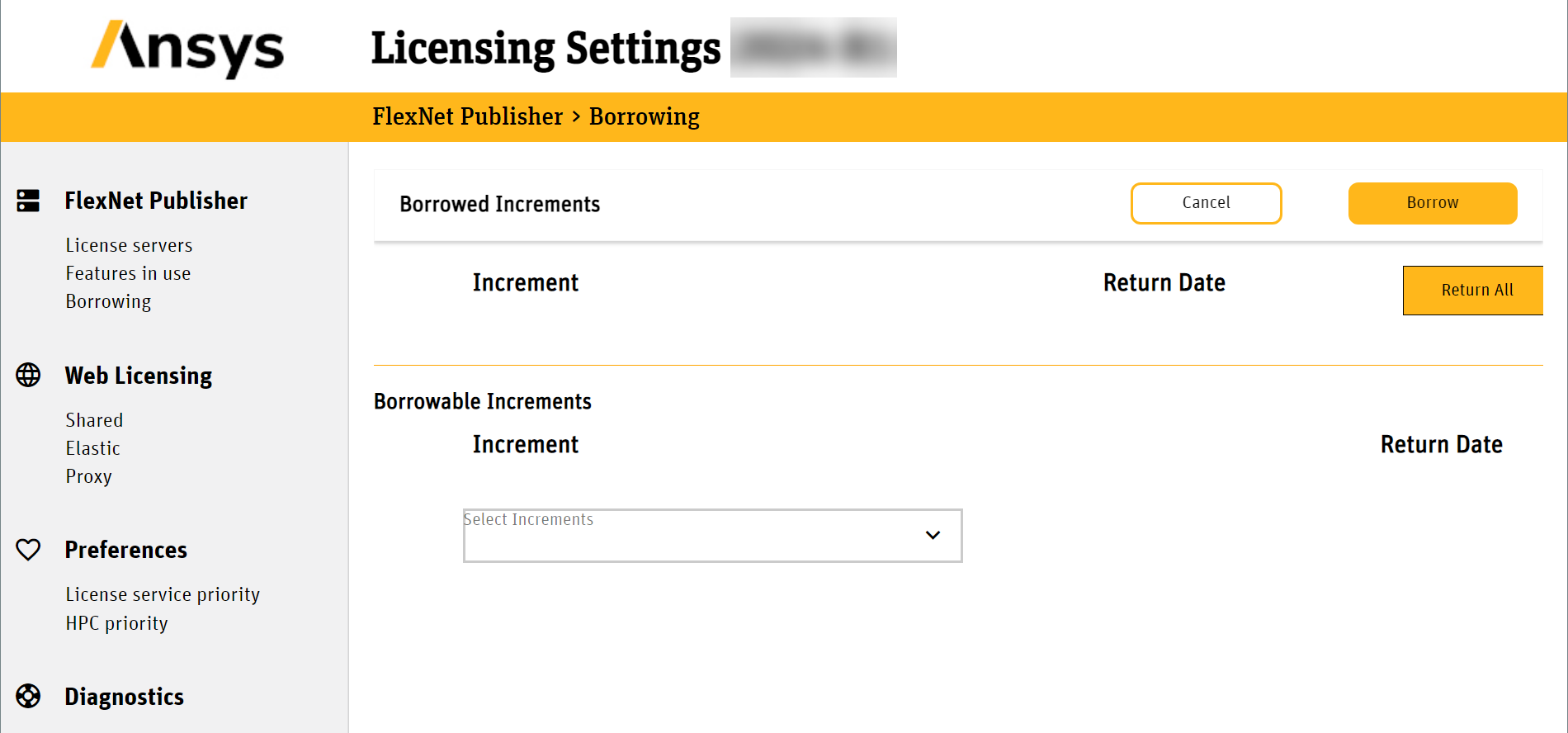
To borrow data licenses, go to C:\Program Files (x86)\Granta Selector\2025 R1\licensingclient\winx64\LicensingSettingsUtility and run LicensingSettingsUtilityWindows.exe.
Click Borrowing in the left-hand pane, select granta_Selector and click Borrow. This is the Basic Materials data license, and you must borrow at least this license to run Granta Selector offline.
The Client Settings Utility displays license keys, not bundle names:
| License Key | Data Bundle |
|---|---|
| granta_Selector | Software & Basic Materials |
| granta_spl_mat_bundle_1 | Advanced Materials - Aerospace |
| granta_spl_mat_bundle_2 | Advanced Materials - Metals |
| granta_spl_mat_bundle_3 | Advanced Materials - Polymers |
| granta_spl_mat_bundle_4 | Advanced Materials - Composites |
| granta_spl_mat_bundle_5 | Advanced Materials - Additive |
| granta_spl_mat_bundle_6 | Advanced Materials - ESDU |
| granta_spl_mat_bundle_7 | Advanced Materials - Eco |
| granta_spl_mat_bundle_em | Advanced Materials - Electromagnetics |
| granta_spl_mat_bundle_hta | Advanced Materials - High Temperature Alloys |
On starting, Granta Selector will behave as if the borrowed licenses have been provided by a license server. For example, you may be shown the License Check-out dialog with a list of borrowed Advanced Data bundles in place of available licenses on the server.