


Viewing metadata in datasheets
Subsidiary information such as statistical information or notes about the source of the data can be stored alongside the data value in Meta-attributes. Any Granta MI data type can be used to store metadata
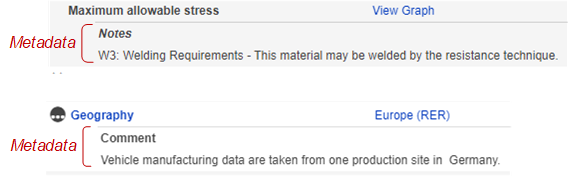
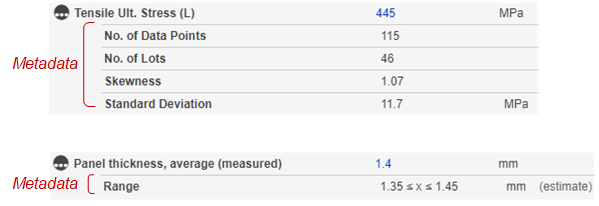
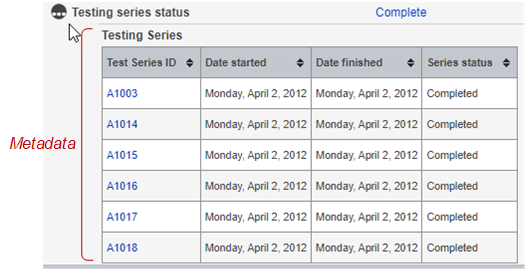
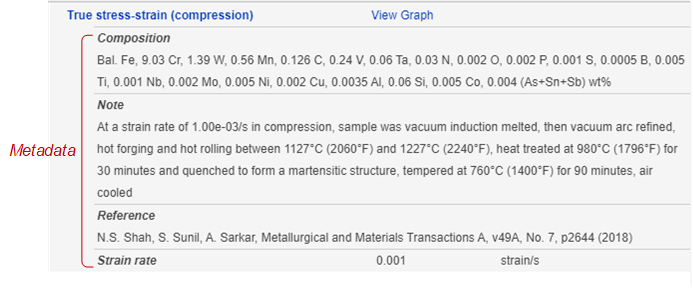
On datasheets, metadata stored in meta-attributes appears below the data value, indented. For example:
Long text metadata:
Numeric metadata:
Tabular metadata:
Text and numeric metadata:
Metadata may be shown on the datasheet permanently or hidden by default but showable, depending on how the current Layout is configured.
Attributes for which there is some hidden metadata are flagged on the datasheet with a
Metadata symbol  . To show hidden metadata
you can do any of the following:
. To show hidden metadata
you can do any of the following:
- click the Metadata symbol in front of the Attribute name to see the hidden metadata for that Attribute. This is shown in the clip below.
- On the View menu, click Expand all metadata to show all hidden metadata for all Attributes on the datasheet.
- Switch to the Full datasheet view, where hidden metadata for all Attributes on the datasheet will be shown (along with all hidden graphs, Tabular data, discrete functional data, and data links).