


Working with picture data
Picture Attributes are used to store image data, for example, schematics, fractography, and BH curves.
Picture Attributes (images) can be viewed in datasheet, or, if a picture is too large to reasonably display in the datasheet, a smaller version (maximum width 360 pixels) is shown which you can click to open a view where you can see the full-sized version.
When viewing full-size pictures, you can pan and zoom the image using the controls at the top of the page.
You may also be able to turn on crosshairs when viewing images, for example, phase diagrams, in order to extrapolate a point out to get the value from the axis.
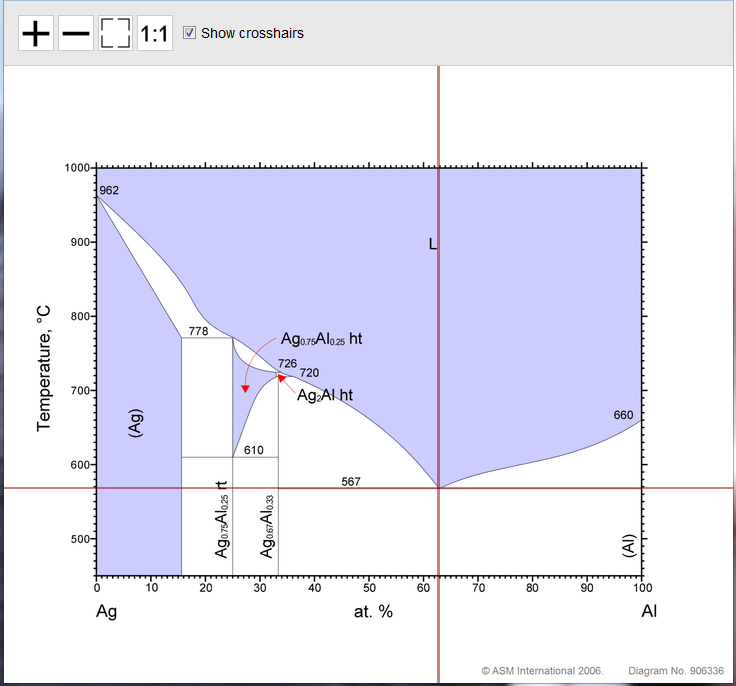
When crosshairs are turned on, you can click anywhere on the image to pin them at that location. As you zoom and pan around the image, the crosshairs will remain in the same position until you unpin them, allowing you, for example, to read values for a point in a phase diagram from the axis label.
Note that the crosshairs check box will only be available if it has been configured by an MI administrator. (See Picture data options.)