
Layout Component Properties
For 3D Layout components imported into Q3D Extractor, the Import Layout Component window contains four tabs:
- General
- Variable Mapping
- Coordinate System
- Parameters
General Tab
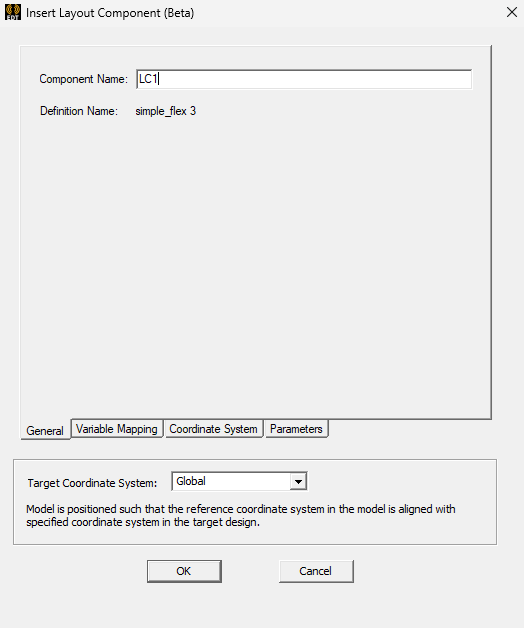
From the General tab, you can:
- Rename the component.
- Change the Target Coordinate System.
Variable Mapping Tab
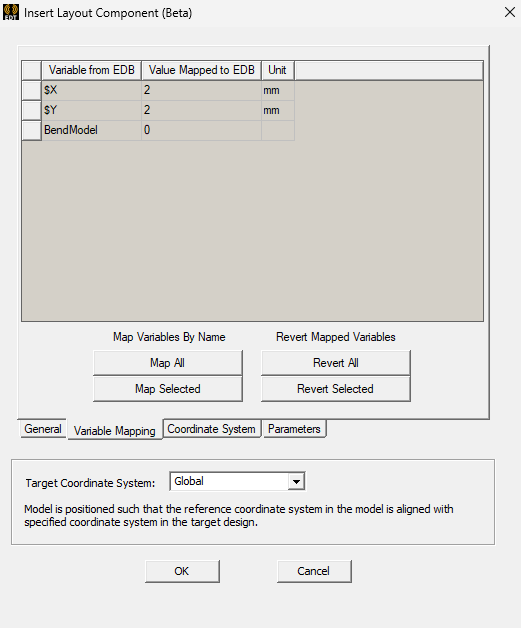
From the Variable Mapping tab, you can:
- Map any design variables to variables defined in the component.
The links at the bottom provide convenient shortcuts to automatically create design variables of the same name as the component's variables, but users can map them manually as well. The design variable's value will be used whenever the component's variable is used.
Coordinate System Tab
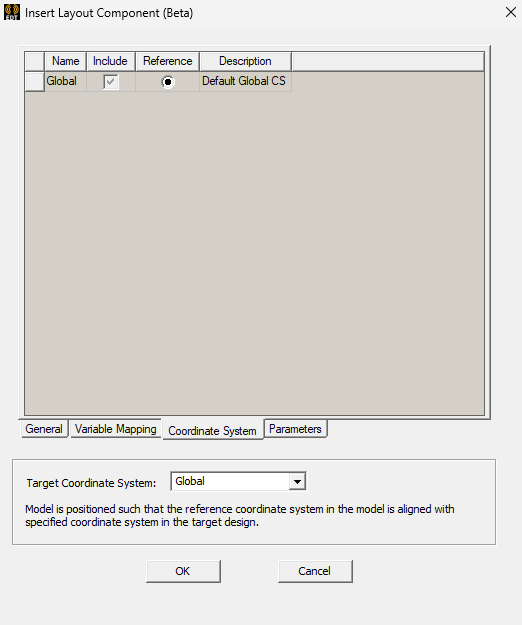
From the Coordinate System tab, you can:
- Select and deselect coordinate systems for inclusion (the Target Coordinate System must be included).
- Select a coordinate system as the reference. By default, the coordinate system closest to the center of the 3D Layout component is marked as the reference. After import, the reference coordinate system is displayed in the Properties window under the Handle field.
Layout components in Q3D Extractor support relative coordinate system placement, movement, rotation, etc. See: Editing Placement of a Layout Component.
Define custom coordinate systems in the original 3D Layout design to simplify placement in Q3D Extractor.
Parameters Tab
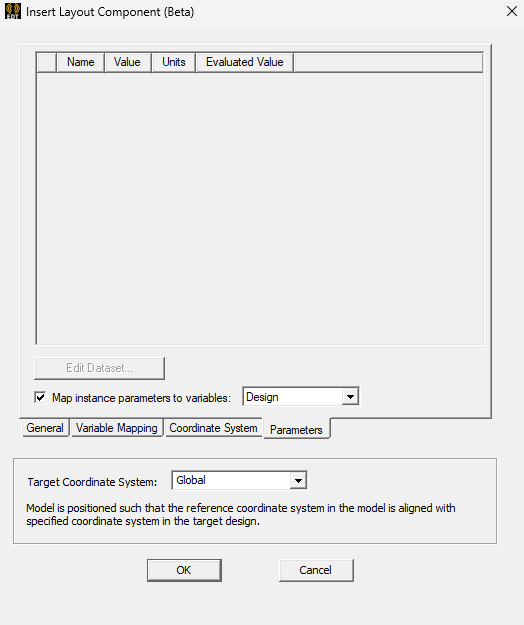
From the Parameters tab, you can:
- Edit any existing layout component parameters.
- Map layout component parameters to existing Design or Project variables.