Working with Variables
A variable is a numerical
value, mathematical
expression, or mathematical
function that can be assigned to a design parameter in
- You expect to change a parameter often.
- You expect to use the same parameter value often.
- You intend to run a parametric analysis, in which you specify a series of variable values within a range to solve.
- You intend to optimize a parameter value by running an optimization analysis or using Design of Experiments to generate a response surface.
- You intend to run a convergence on an output variable.
- You intend to calculate derivatives for variables.
- You intend to animate a plot against a variable.
Variables can be regular variables, array index variables, or arrays. A project variable’s value can reference other project variables or intrinsics. Values can be a number, variable, or mathematical expression.
There are two types of variables in
|
A project variable can be assigned
to any parameter value in the |
|
|
A design variable can be assigned
to any parameter value in the |
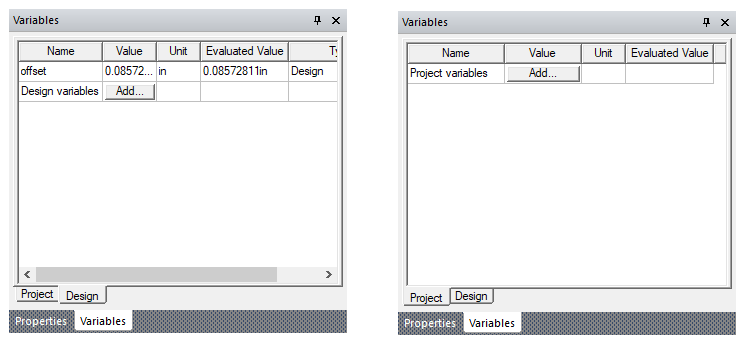
Clicking View > Variables brings up a dockable variable window that is associated with the active project and/or design. When there is an active project, there will be a corresponding project variable tab. When there is an active design, there will be a corresponding design variable tab. Each tab contains an Add... button allowing creation of new variable of this type. If variables exist for the Project or Design, they are shown in the corresponding tab.