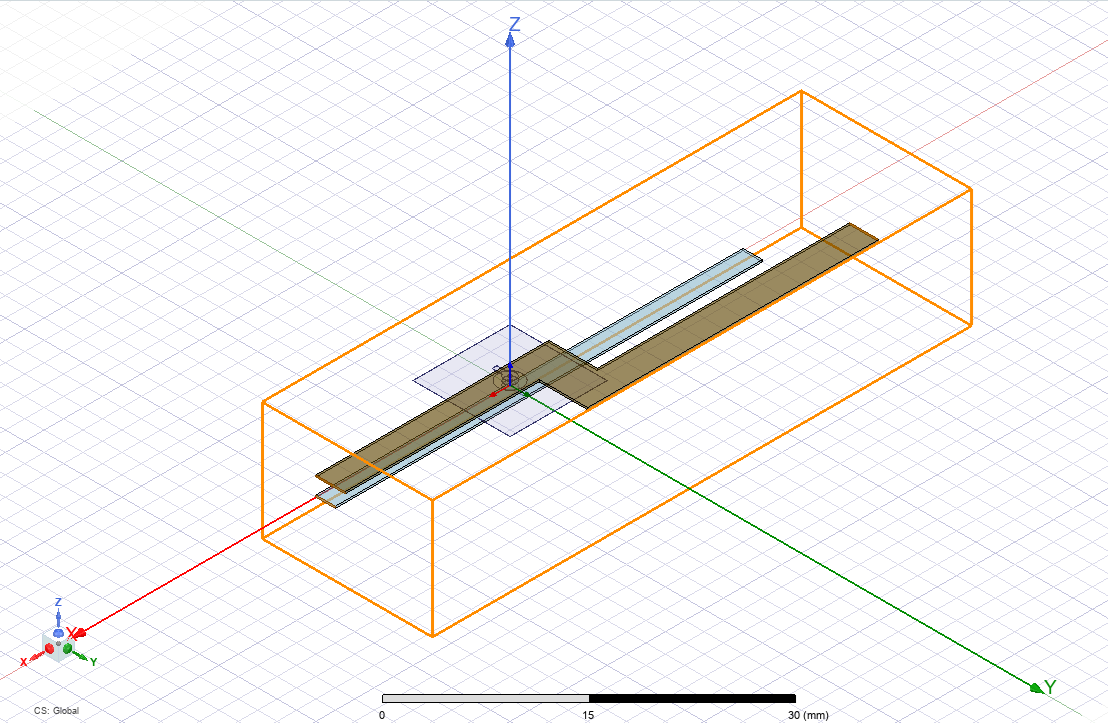
Importing a Layout Component
To import a 3D Layout component:
- Create a design in Q3D Extractor.
- From the Project Manager window, right-click 3D Components and select Browse Layout Component > Import .aedbcomp File.
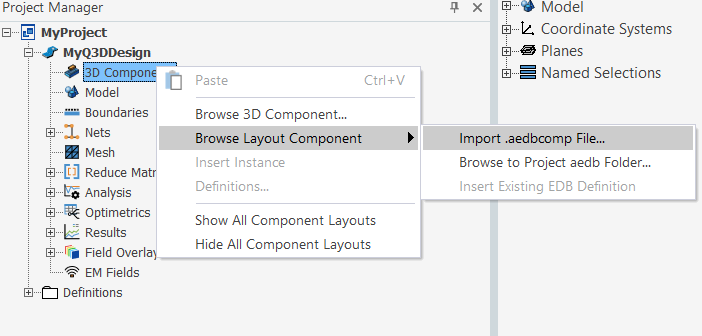
A file browser appears.
- Select a component file and click Open.
The Insert Layout Component window appears, showing a summary of the component.
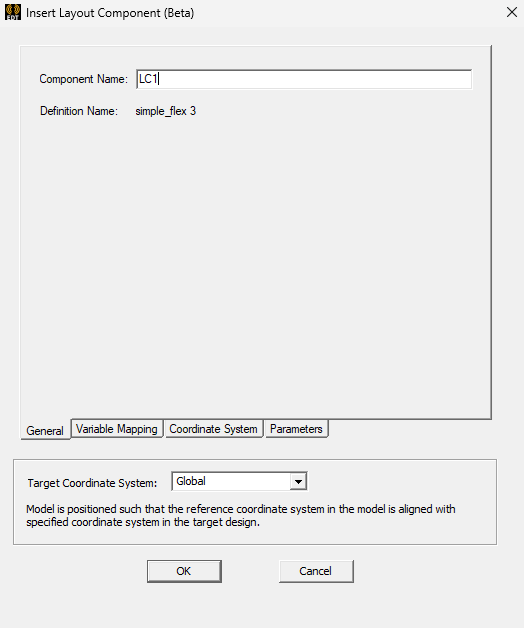
For more information about the settings in this window, see: Layout Component Properties.
- Click OK.
The 3D Layout component displays in the modeling workspace.