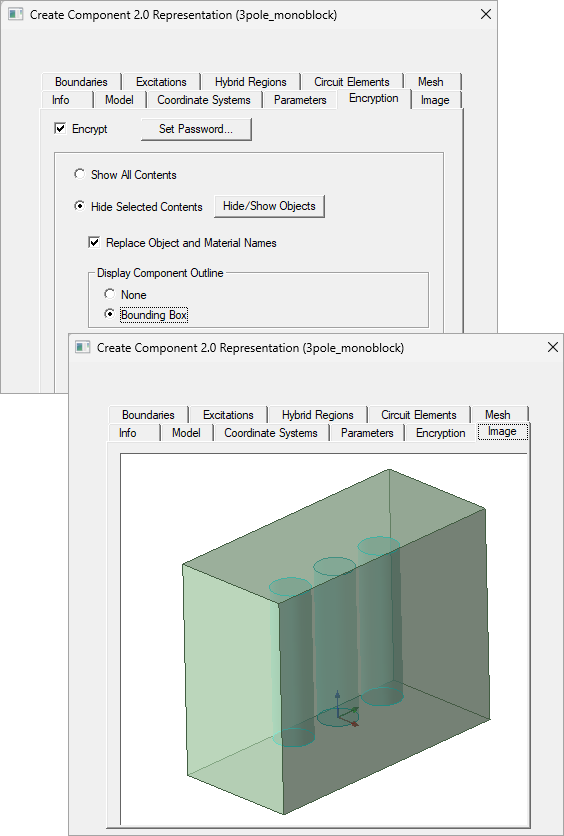
Create Component 2.0 Representation Image Tab
The Image tab shows the preview image for the representation, based on the reference coordinate system. The image also responds when you Include or Exclude objects from the Model tab.
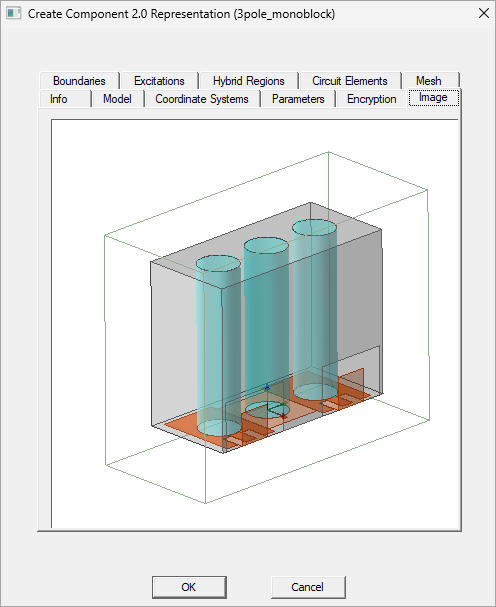
To move the model in the Image window, use the following mouse combinations:
- Alt + left click to rotate
- Shift + left click to move
- Middle button in mouse to scale
These changes will be saved to the component representation after you click OK.
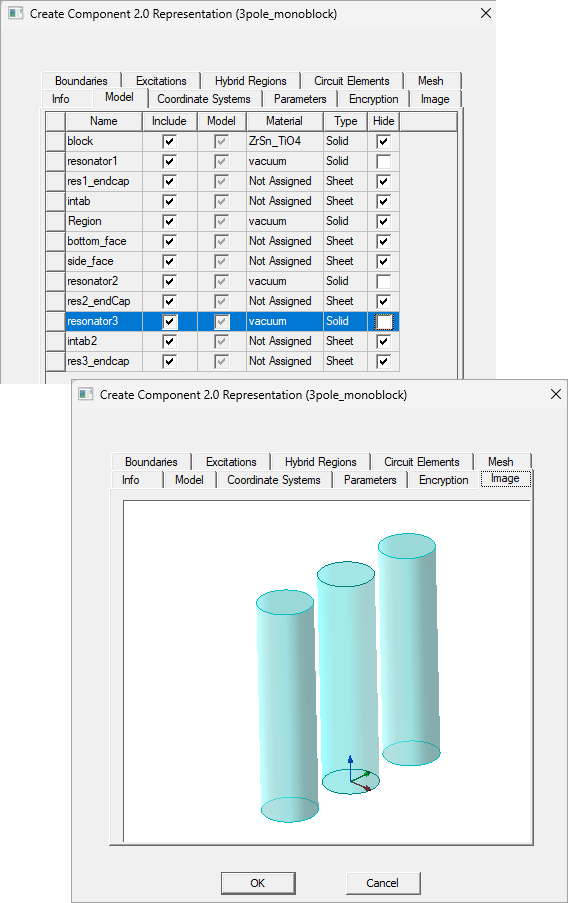
If you use the Encryption tab and Model tab settings to hide/show the model or specified model objects, the Image tab updates accordingly. You must use encryption to enable the Hide check boxes on the Model tab.
If you use the Encryption tab to display an object outline, the Image tab responds.