
Assigning Infinite Ground Plane Boundaries in Q3D Extractor
In Q3D Extractor, you can assign an Infinite Ground Plane boundary. See: Working with Boundaries.
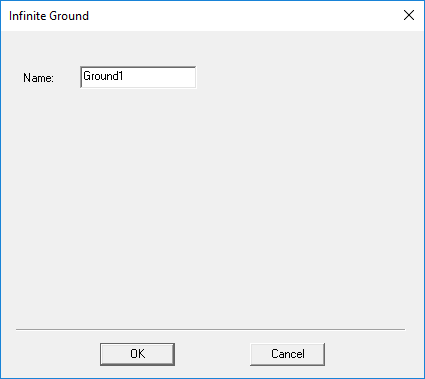
In the Infinite Ground dialog box, you can specify a Name for the infinite ground plane.
To assign an infinite ground plane boundary, you must select a face or object on the XY plane.
Important:
Only one infinite ground plane is allowed in a design.
Important:
Objects should not lie on both sides of ground plane, or intersect the ground plane.
Note:
When infinite ground planes are present, CG results may differ slightly from releases prior to 2022 R2.