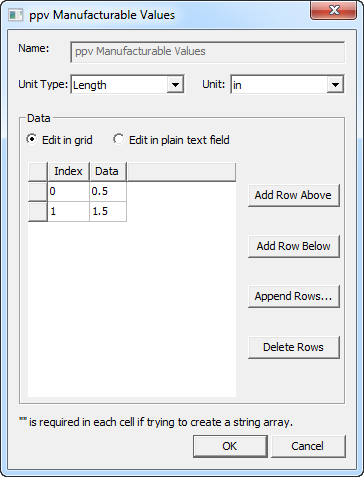
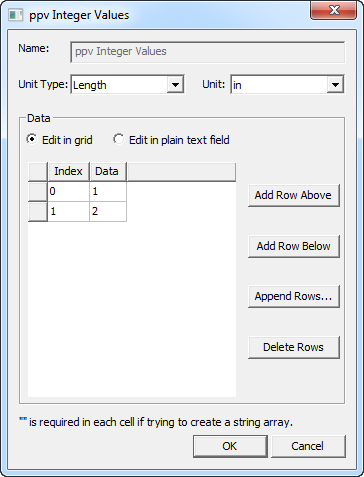
Variables Tab for Design of Experiments
The Variables tab in the Design of Experiments Setup dialog box displays a list of the variables defined for the design and project as Optimetrics/Design of Experiments variables.
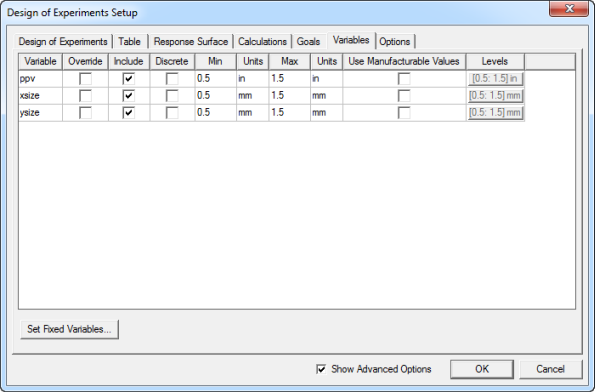
The columns list the variable names, the current minimum and maximum values and units, and provides options for the following:
- Override – Select this check box to override the current design value. Clearing this check box causes a prompt to appear asking you to confirm the return to the design value.
- Include – Choose whether to include the variable in an analysis.
- Discrete – Discrete Variables physically represent different configurations or states of the model. Select the check box in the Discrete column to enable the button in the Levels column. The discrete values can be bounded by a minimum/maximum range and/or manufacturable values. Click Levels for the row to edit the discrete values. An edit dialog box for the variable appears.
- Continuous Variables – These variables physically vary in a continuous manner between a lower and an upper bound (min/max) defined by you. With continuous variables, you can also apply a manufacturable values filter to the variable. Manufacturable values represent real-world manufacturing or production constraints. The minimum and maximum values are the upper and lower constraints on the available manufacturable values bounded by the range.
-
Select the check box in the Use Manufacturable Values column to enable the button in the Levels column. Click the button to edit the values. An edit dialog box for the variable appears.