
Response Points Table
From the Response Surface tab, the View list box lets you select all available views of the selected response-surface-setup. All response points are shown in the Response Points table view.
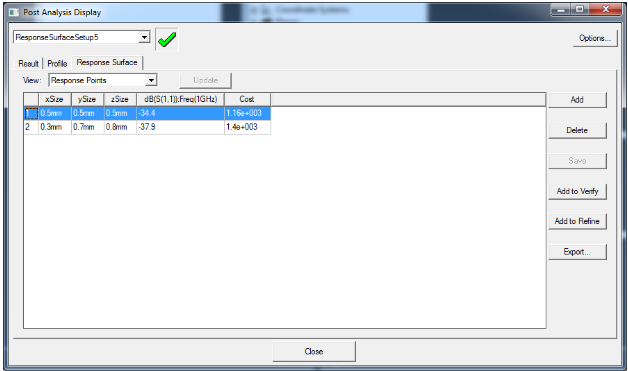
A response point is defined by a snapshot of variable values where output calculation values were calculated in Ansys DesignXplorer from a response surface. As such, the output calculation (or cost) values are approximate and calculated from response surfaces.
You can use the buttons to Add, Delete, Save, or Export response points, or you can modify them directly in the grid.
Click Add to Verify or Add to Refine to insert the selected response point to the verification table or refinement table.