
Launching Twin Builder
After you have installed Ansys Electronics Desktop, you can start Twin Builder by one of the following methods:
- Double-click the Ansys Twin Builder icon on your desktop.
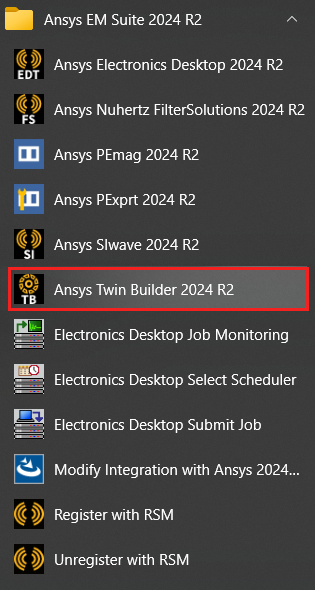
- Select Start > Ansys EM Suite 2025 R1 > Ansys Twin Builder 2025 R1 from the Windows Start menu.

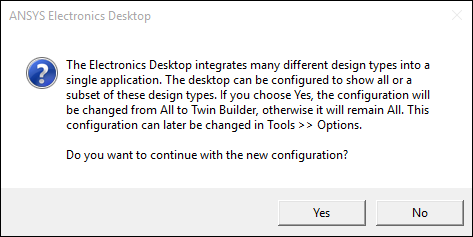
If you have not changed the Set targeted configuration option to Twin Builder on Tools > Options > General Options, the following message appears. Click Yes to change the default configuration to Twin Builder.
-
Click the Ansys Electronics Desktop icon on your desktop or on the Windows Start menu after changing the default configuration to Twin Builder.