
Adding Trace Characteristics to your Favorites
Follow this procedure to add trace characteristics to your list of favorites:
- Select a trace in a report plot or legend.
- Click Report 2D > Trace Characteristics, or right-click a trace.
- Select All.
The Add Trace Characteristics
dialog box appears.
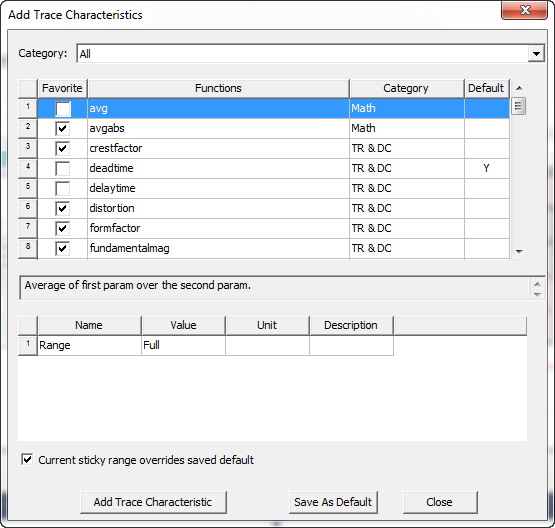
- Select the Favorite check box in front of any function you want to add to your favorites. You can define as many favorites as you need, but no more than 10 are displayed in the menu, and they are displayed in alphabetical order.
- Click Close. You can view the current
favorites by selecting Favorites in the Category drop-down list.
Note:
Clear the Favorite check box for one or more functions and click Close to remove favorites.
Related Topics
Adding a Characteristic to a Trace
Adding Characteristics using the Add Trace Characteristics Dialog
Removing All Trace Characteristics