
Crosstalk Scan Results Menu Options
Navigate to the Crosstalk Scan Results menu:
- Click Results.
- From the SIwave area, select Crosstalk Scan > [Simulation Name].
- Display Coupled Structures – displays coupled structures in the Modeling workspace.
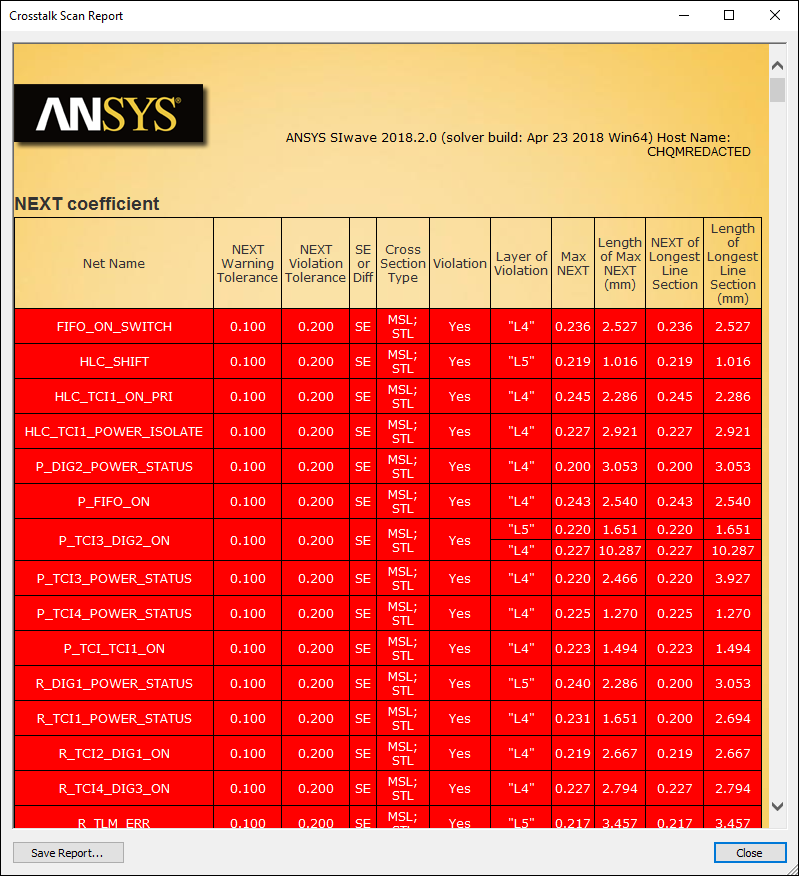
- View Scan Report – opens an *.html file detailing the scan properties and results.
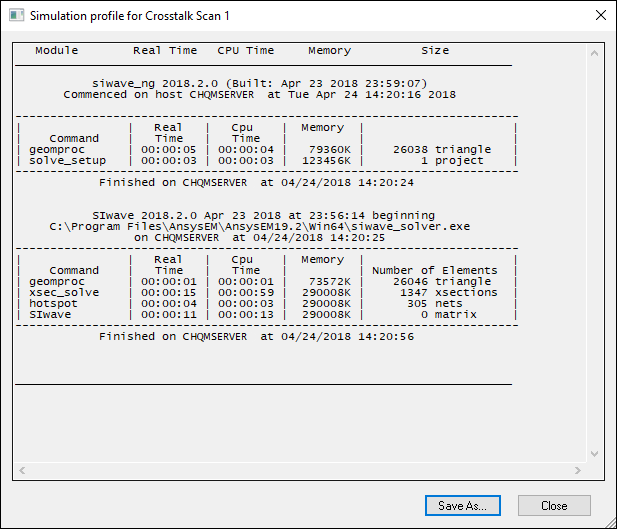
- View Profile – opens the simulation profile.
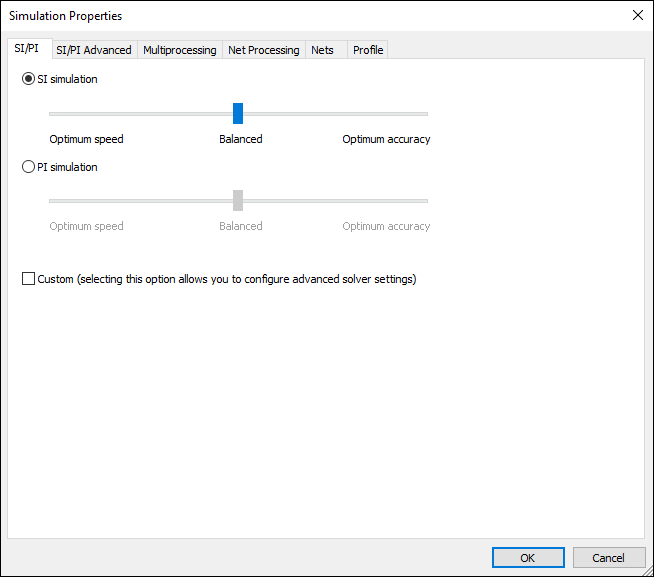
- View Simulation Properties – opens the Simulation Properties window on the SI/PI tab.
- Rename Solution – allows you to rename the solution.
- Delete Solution – deletes the solution.
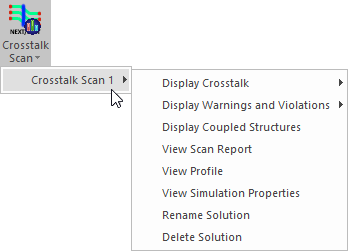
Menu options include:
Scan Report:
Simulation Profile:
Simulation Properties:
From the Crosstalk Scan results menu, you can also view Crosstalk Scan results.