
Using a Python Script to Configure an SIwave Solution Setup
Complete the steps in either of the following sections to generate an Ansys ECAD database file (i.e., a *.def file) via Python script. Then import the newly created custom settings into Electronics Desktop to customize an SIwave solution setup.
Running a Python Script
-
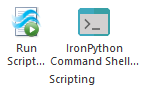
From the Tools tab, select Run Script to open an explorer window.
- Navigate to an appropriate directory and select the IronPython Script File (e.g., EDB_script_upload.py).
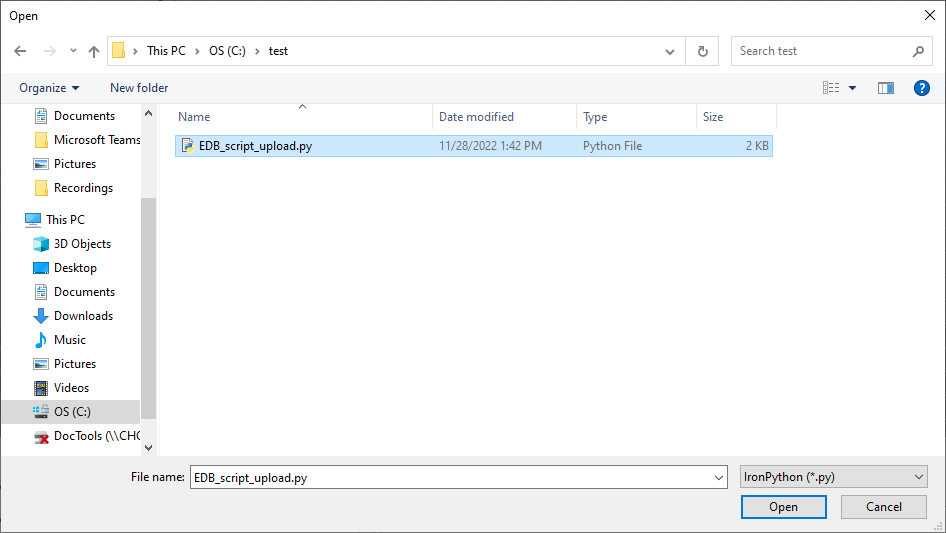
- Click Open. The script generates a new Ansys ECAD database file at the location specified in the script (e.g., temporaryDirectory = "C:/testDir").
- Open a version of Ansys Electronics Desktop.

-
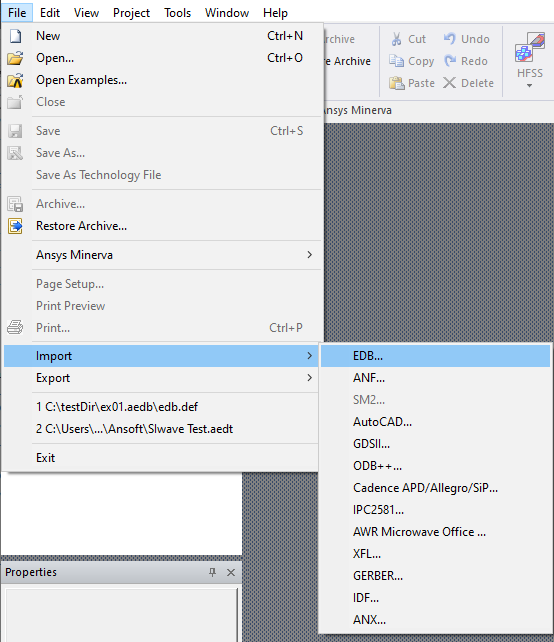
From File, select Import > EDB to open an explorer window.
-
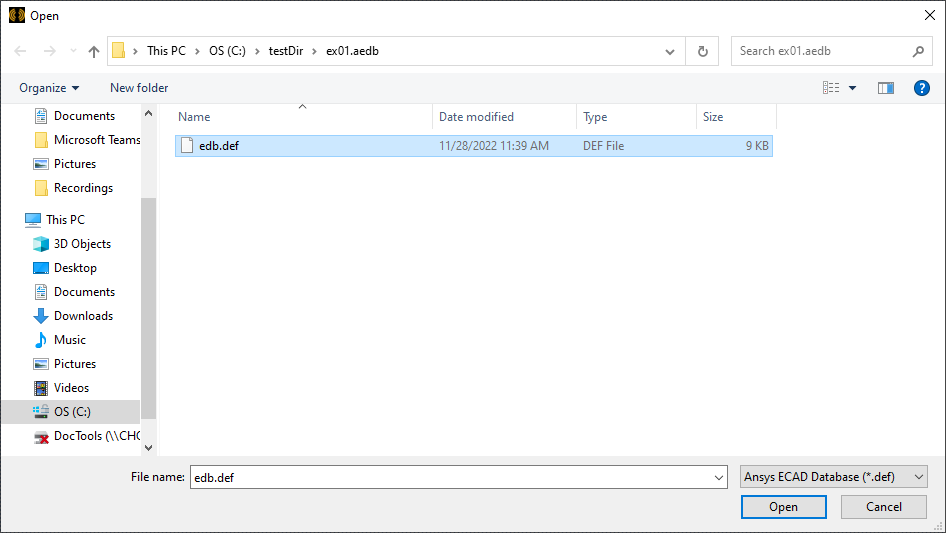
Navigate to the directory specified in the script file. Then select the Ansys ECAD database file (i.e., edb.def) and click Open.
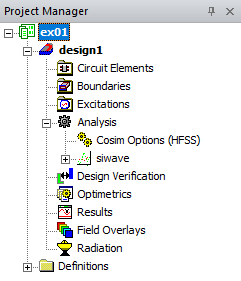
- The Ansys ECAD database file generates a project configured with the configured settings (e.g., ex01), including the SIwave setup (e.g., siwave) and custom S-Parameters.
Copying and Pasting Script Commands
-
From the Tools tab, select IronPython Command Shell to open the Iron Python Command Window.
-
Copy and paste (e.g., Ctrl+C, Ctrl+V) the script text at the command line. Then press Enter.

-
The script commands generate a new Ansys ECAD database file at the location specified in the script (e.g., temporaryDirectory = "C:/testDir").
- Open a version of Ansys Electronics Desktop.
-
From File, select Import > EDB to open an explorer window.
-
Navigate to the directory specified in the script file. Then select the Ansys ECAD database file (i.e., edb.def) and click Open.
- The Ansys ECAD database file generates a project configured with the configured settings (e.g., ex01), including the SIwave setup (e.g., siwave) and custom S-Parameters.