Creating a Sample Pin Group, Step 1: Create a Simple Project
Perform the following steps:
- Open SIwave, and click New Project in the welcome window.
- From the Layers workspace, ensure that the METAL_1 layer is selected.
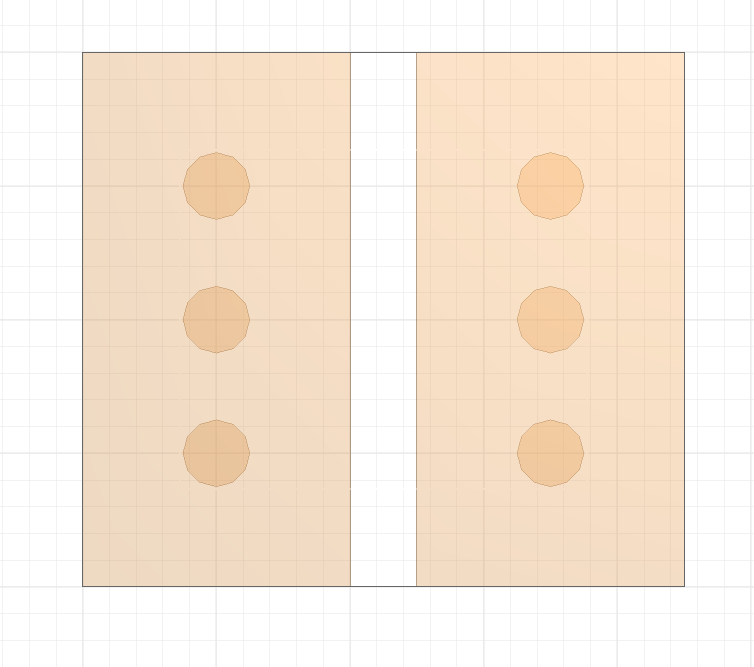
- Draw two adjacent 2x4mm planes, with a separation of 0.5mm.
- Use the Padstack Editor to select M1_PAD and place three pads on each of the planes.
A default project opens up containing four layers.
The model should look like the following: