Setting Trace Width
You can use the Edit Trace window to modify trace width. However, additional methods of doing so exist.
To change trace width:
- Click Home.
- Use the Trace Width drop-down menu to select a width (in mils), or type a value directly into the field.

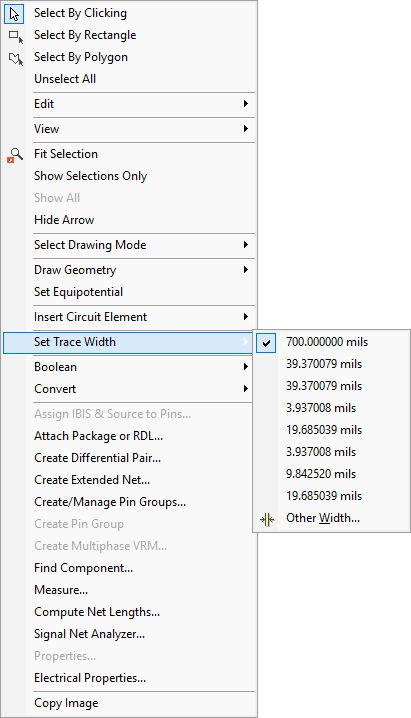
Alternatively, right-click in the Modeling workspace and use the Set Trace Width submenu.