Exporting Net Delay Report
- Open the Signal Net Analyzer.
- From the plot pane, click Export Net Delays.
The Export Net Delay Report window appears.
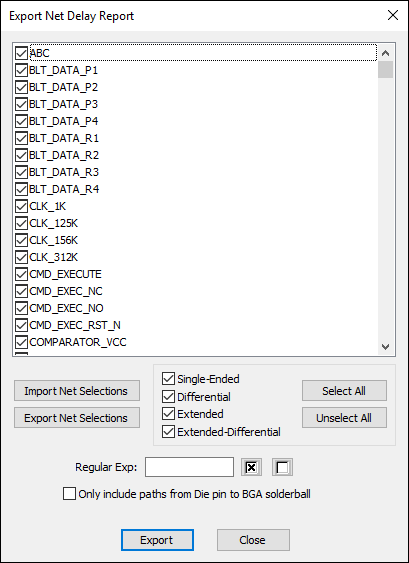
- Select/deselect nets for the report one of several ways:
- Select/deselect individual nets using the list.
- Select/deselect nets by type (single-ended, differential, extended, extended-differential).
- Select/deselect nets using regular expressions.
- Select All or Unselect All nets.
- Click Import Net Selections to import a net selections file (*.netsel).
- If appropriate, click Export Net Selections to save a net selections file (*.netsel) for later import.
- If appropriate, select Only include paths from Die pin to BGA solderball. When this option is enabled, only paths along nets that have a die pin on one end and a solderball on the other end will appear in the report.
The report will note that this filter has been applied:

If there are no pins with a solderball applied, SIwave will warn you that the report will be empty.
- Click Export.
A file browser appears.
- Specify a file name and directory to save the report, then click Save.
A progress bar appears:

When finished, the report saves to the specified location, and opens in your default HTML file viewer.
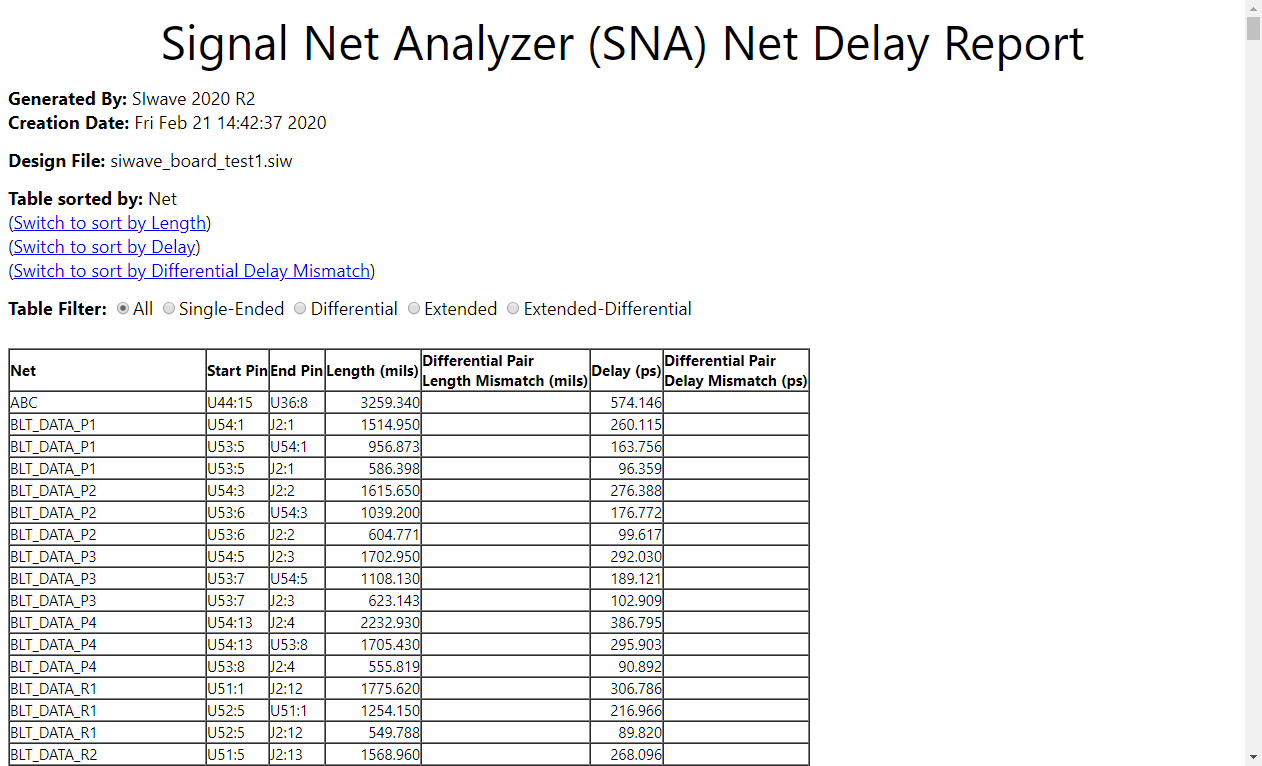
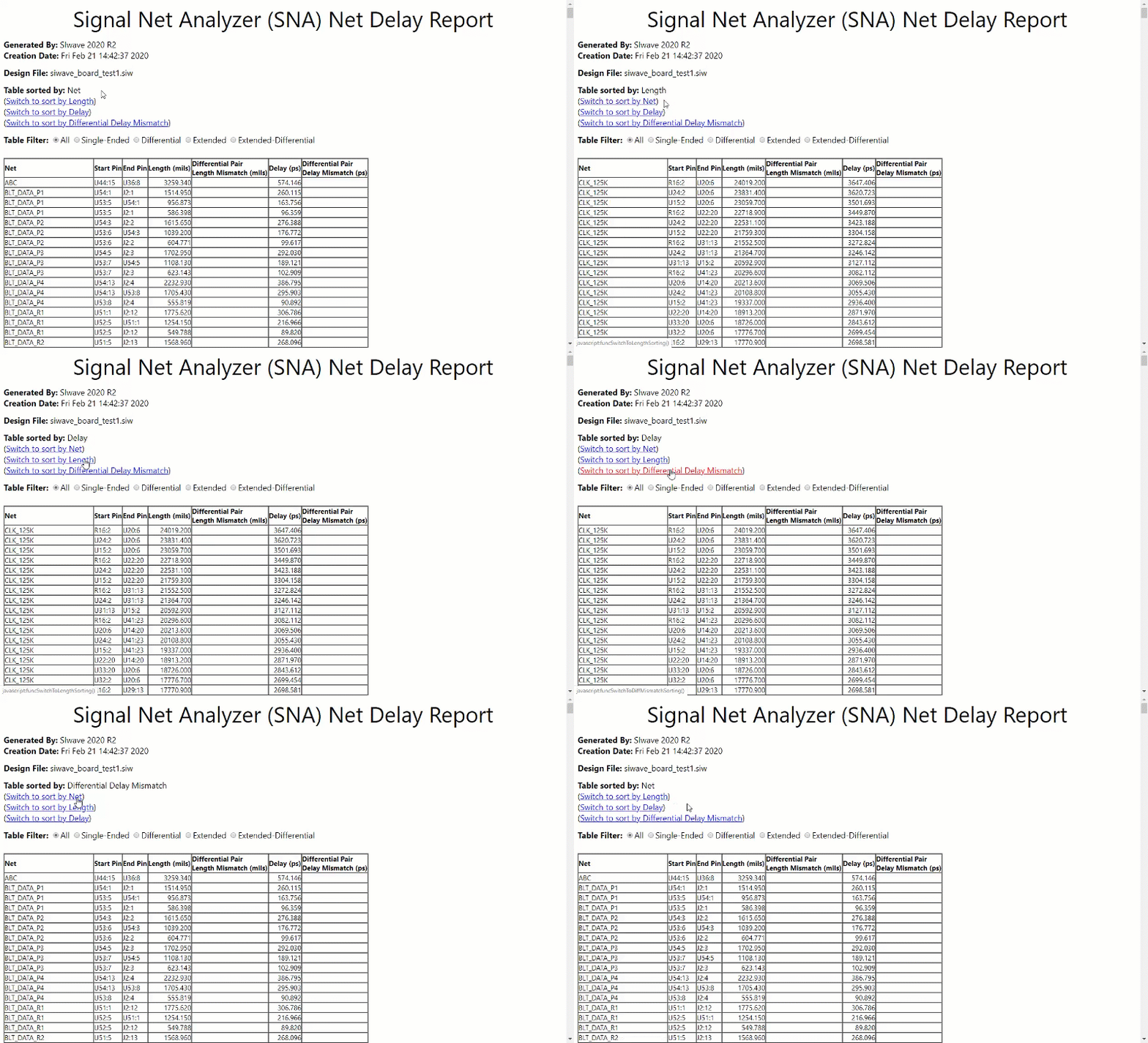
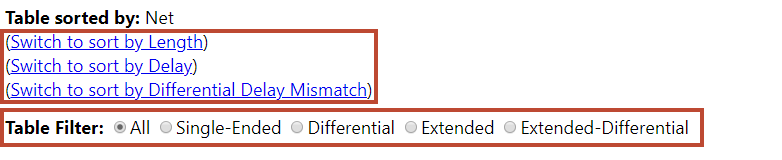
- Use the Switch to sort... links and the Table Filter radio buttons to display your appropriate information.
Note how the display changes with each selection: