
Properties Workspace
The Properties workspace allows users to view and modify the properties of the selected components.
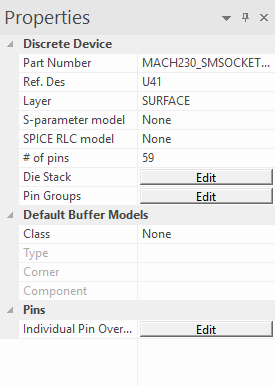
The Properties Workspace presents different properties, depending on the type of component selected.
Viewing Electrical Properties
To view the electrical properties of a trace, bondwire, or via:
- Select a trace, bondwire, or via to populate the Properties workspace. View the properties of multiple traces, bondwires, or vias at once by selecting more than one.
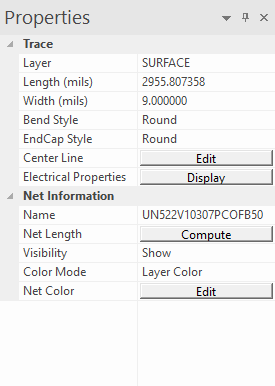
- Click the Display button next
to Electrical Properties to open the Electrical Properties window.
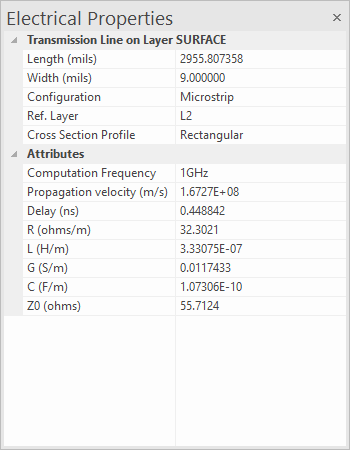
Viewing the Differential Electrical Parameters for a Trace/Bondwire or a Via
- Select two coupled traces that belong to a differential pair to populate the Properties workspace.
- Click the Display button next to Electrical Properties to open the Electrical Properties window.
Estimating |Z11| at a Port
- Click in the center of a port to populate the Properties Workspace.
- Next to |Z11| Estimate, click Display to open the Estimated |Z11| at port window.
- The Estimated |Z11| at port window is functionally similar to the PI Advisor Wizard. Refer to Running the PI Advisor.