
Adding and Deleting Padstacks
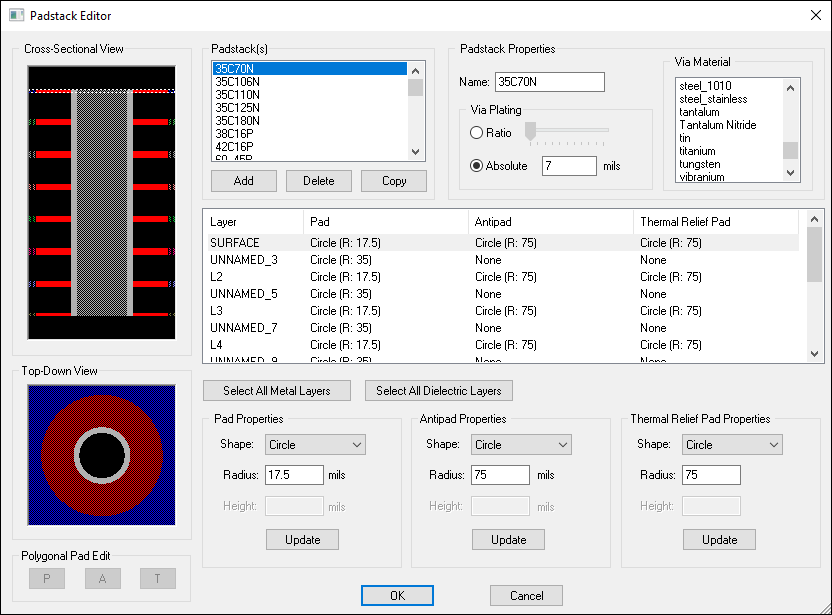
From the Padstack Editor, you can add a new padstack to the stackup.
- Click Home > Edit Padstacks.
To add a new padstack:
- From the Padstack(s) area, click Add.
The new padstack is given the default name NEW_PADSTACK and is positioned alphabetically in the padstack list. You can then rename and configure the padstack.
To delete a padstack:
- From the Padstack(s) area, select the padstack you want to delete.
- Click Delete.
An alert window appears, asking you to confirm deletion. Note that any vias referencing the padstacks will also be deleted.
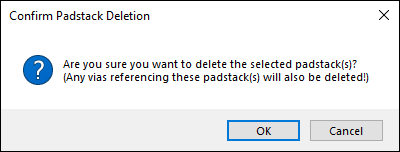
- Click OK to proceed with the deletion.
The padstack is removed.