
Maxwell 3D Component with Windings (2D and 3D Eddy Current and Transient)
For Maxwell 2D and 3D Eddy current and Transient designs, both voltage and current windings can be included in 3D component definitions on the Excitations tab.
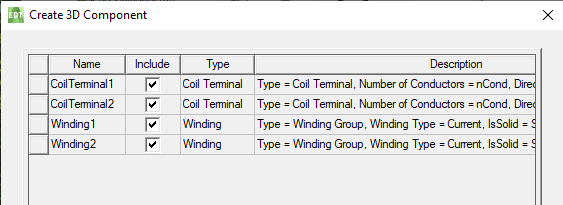 .
.
- Windings can only be included in a 3D component when all of its related coil terminals are included in the component as well.
- After inserting a 3D component with windings into a design, only the names of the windings can be edited. Terminals cannot be added to, or removed from, these windings; nor can the windings and associated terminals be removed from the design's Excitations.
- Coil terminals that are assigned to 3D component windings cannot be reassigned to other windings.
-
3D component winding properties (non-geometry parameters) such as: type, resistance, inductance, etc., cannot be edited in a design that includes these 3D components.
However, any of the winding properties can be exposed for editing by assigning design variables to these properties prior to creating the 3D component.
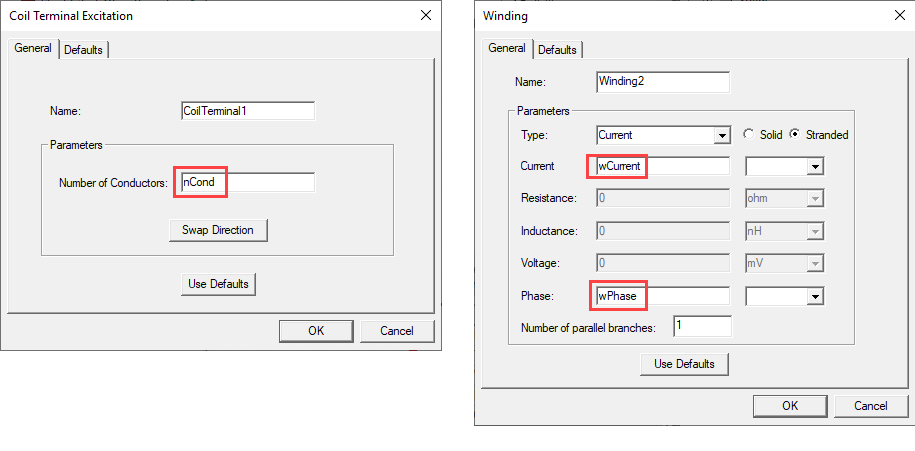
The non-geometry parameters in the example shown above can then be included when creating the 3D component.
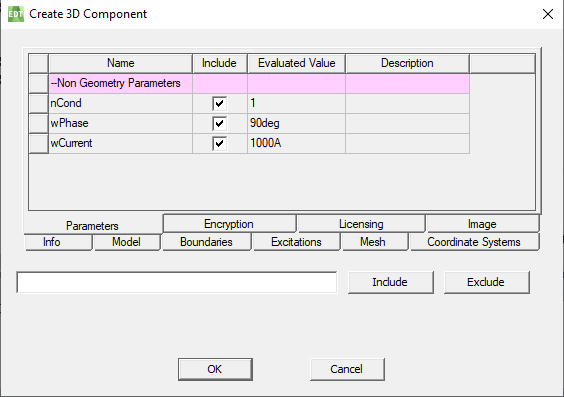
When inserting the new 3D component in a design, parameter values can then be specified.
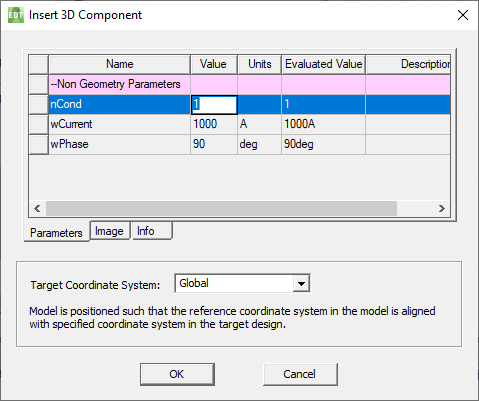
Parameter values can also be edited after the 3D component has been inserted in the design.
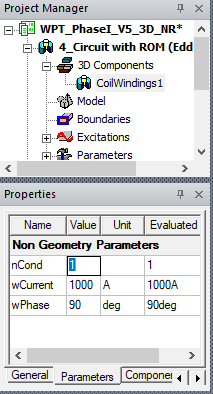
-
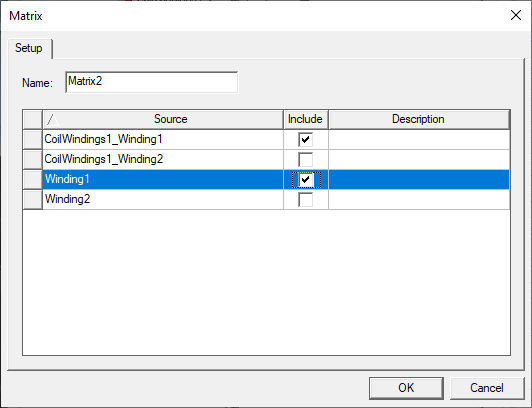
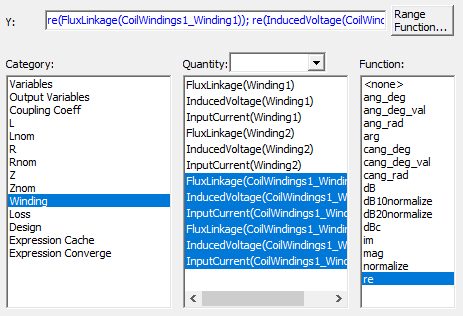
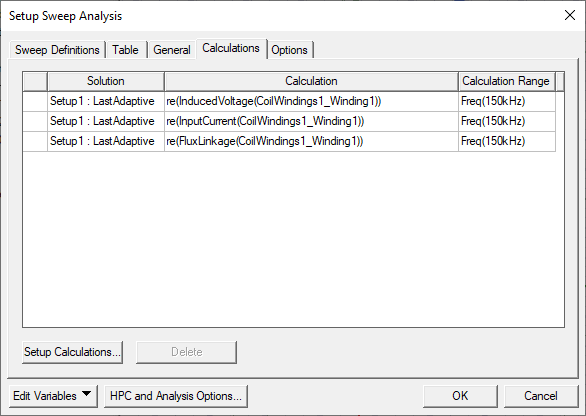
Windings defined in a 3D component are available for use in Matrix setups, Reports, and Optimetrics.
Related Topics
Create 3D Component: Excitations Tab
Assigning a Winding Setup for a 3D Eddy Current Solver
Assigning a Winding Setup for a 3D Transient Solver
Assigning a Winding Setup for a 2D Eddy Current Solver
Assigning a Winding Setup for a 2D Transient Solver
Assigning a Coil Terminal for a 3D Eddy Current Solver
Assigning a Coil Terminal for a 3D Transient Solver
Assigning a Coil for a 2D Eddy Current Solver