Creating Projects
To create a project, click File > New, or click the New icon on the Desktop tab of the ribbon.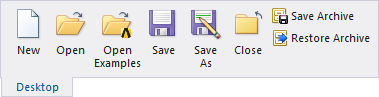
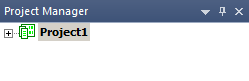
A new project is listed in the project tree. It is named Projectn by default, where n is the order in which the project was added to the current project folder.
You can insert designs of any type into the project, where they are stored in the project tree.
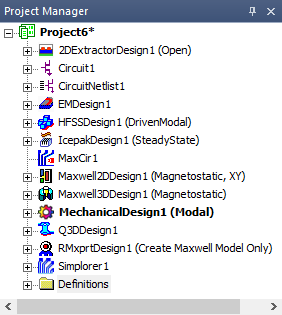
The default name for each inserted project is <designType>n. You can also specify the name of the project when you save it using the File > Save or File > Save As commands.
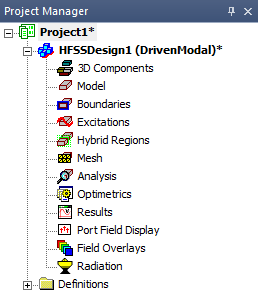
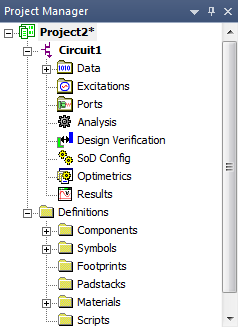
You can view the contents of a project by clicking the plus sign (+) for each level of the hierarchy in the project or design.