
Post Processing for Array Models
Solution quantities of both physical and virtual cells are available for post-processing. You must select Save Fields in the Solution setup before running an analysis to enable the Plot Fields selections.
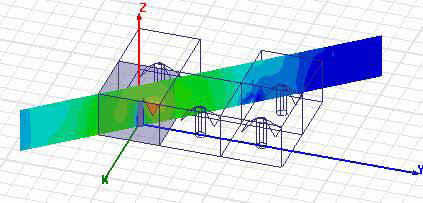
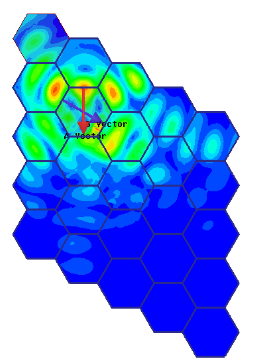
Radiation fields (near and far) post processing is over the whole array. You can plot and animate fields on non-model cut planes, vectors, and points, as well as on selected model object faces. Any padding cells in or around the array are treated as background material. You can plot and animate fields on cut planes, non-model objects set on the same coordinates as object or array surfaces, vectors, and points.
You can use the Fields calculator to define calculated expressions.
HFSS can also post process individual cells in an array one at a time. You can select an arbitrary cell and do fields post processing on that cell. HFSS post processes on a single user selected cell in the array.
For Port Field Display there is no GUI change. Only physical ports/terminals will be listed. There is no need to support visualization of user-selected cell (like field overlay plot) because the field patterns of the virtual modes are the same as those in the physical cells.