
Symbol Tab
The Symbol tab in the Property window of the Ansys Electronics Desktop provides information on a number of modifiable attributes of components and symbols displayed in the schematic.
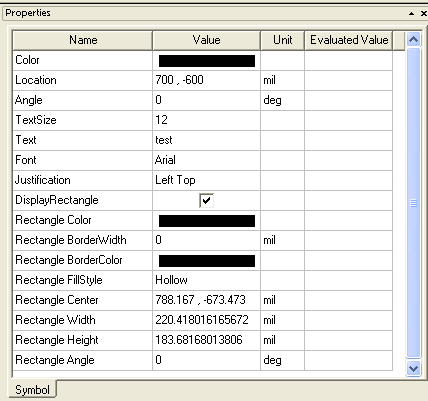
The contents of the Symbol tab varies depending upon the number and type of components or symbols selected in the schematic.
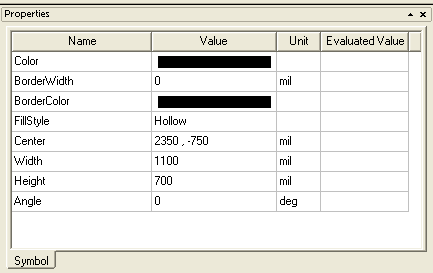
But whatever components or symbols are selected, each field displayed in the Symbol tab is modifiable.
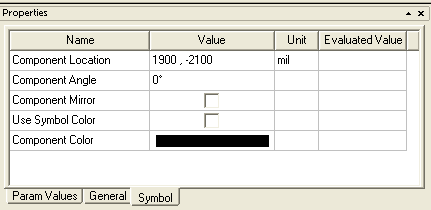
Symbol tab Value fields can be modified using the following guidelines:
- Click in the Value field for Component Location to enter a new set of X,Y coordinates for the symbol. Press Return to move the symbol to the new location.
- Click in the Value field for Component Angle, and select an angle from the drop-down menu (choices are 0, 90, 180, and 270 degrees). The symbol rotates as you select an angle.
- Click in the check box in the Value field for Component Mirror to flip the component left-to-right. The mirror operation is performed as soon as you check the box. Uncheck the box to return the symbol to its original orientation.
- Click in the Value field to enter a new value for whatever symbol attribute you wish to change. Press Return to move the symbol to the new location.
- Click the colored bar displayed in the Value field to open a palette from which to select a new color for the symbol. The new color is applied when the symbol is unselected.