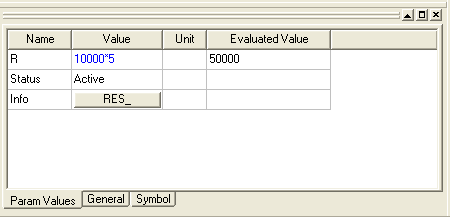
Param Values Tab
The Param Values tab in the Property window of the Ansys Electronics Desktop lists the simulation parameters of the component or components selected.
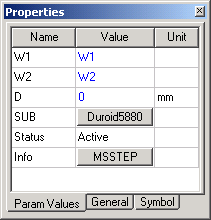
To set or change the value of a component parameter, click on the Value field and enter the new value. If the value requires a multiplier unit (such as K for 1000) click on the Unit field to select the multiplier unit. The Evaluated value shows the resulting number.
You can specify a parameter value using an expression that evaluates to a constant. The expression is retained in the Value field, while the Evaluated Value field shows the constant resulting from evaluation the expression. This allows you to identify and modify the expression in the future.